1
65
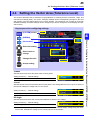
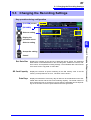
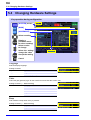
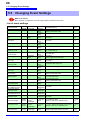
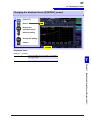
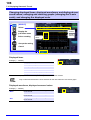
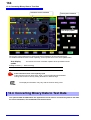
5.4 Changing Hardware Settings
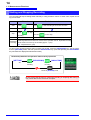
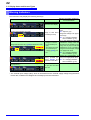
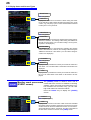
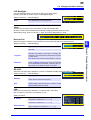
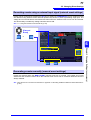
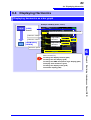
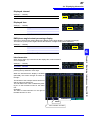
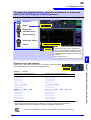
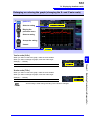
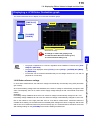
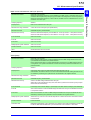
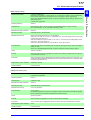
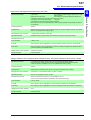
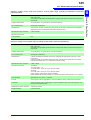
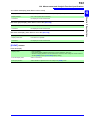
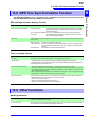
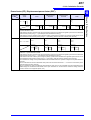
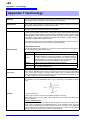
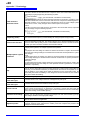
LCD Backlight
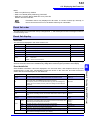
The LCD backlight can be set to turn off after a set period of time.
Pressing a key will cause the screen to be displayed again.
Setting Contents:( ∗ : Default setting)
AUTO
Automatically turns the backlight off once 2 minutes
have elapsed since the last key press.
ON∗
Leaves the screen backlight on at all times.
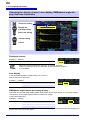
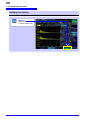
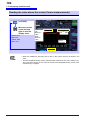
Clock
Sets the time and date, which are used to record and manage data.
Be sure to set the time and date before starting recording (seconds cannot be set).
Valid setting range: 00:00 on January 1, 2010, to 23:59 on December 31, 2079
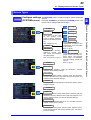
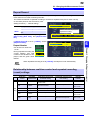
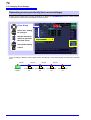
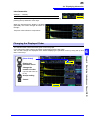
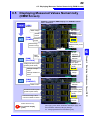
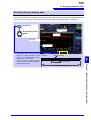
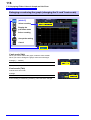
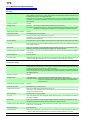
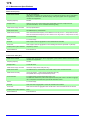
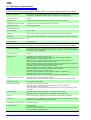
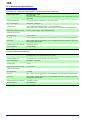
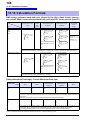
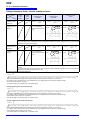
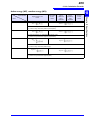
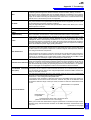
External Out
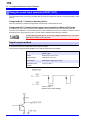
Set when using the external control terminal to connect the PW3198 to an external device.
Setting Contents:( ∗ : Default setting)
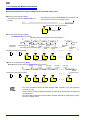
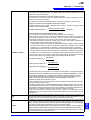
Disables external output.
ShortPulse∗
Sets output to low for at least 10 ms when an event is
detected.
LongPulse
Sets output to low for 2.5 sec when an event is
detected. This setting is used when connecting the
PW3198 to the 2300 Remote Measurement System
or other device.
See:"Event output can be set for ENKAKU." (p.A153)
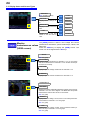
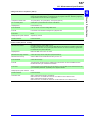
DV10alarm
This setting can be selected only when the [Flicker]
setting is [DV10]. Output will be set to low when the
set ΔV10 threshold is exceeded. If selecting this setting, set the ΔV10 threshold. (0.00 V to 9.99 V)
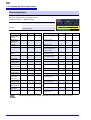
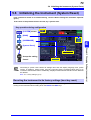
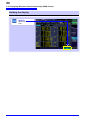
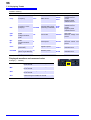
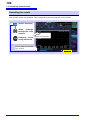
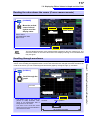
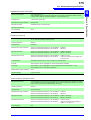
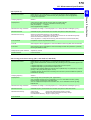
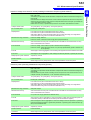
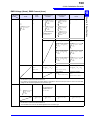
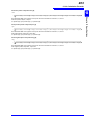
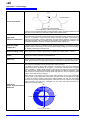
RS-232C
Set when connecting the PW3198 to a printer or PW9005 GPS Box with an RS-232C cable.
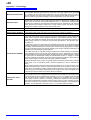
Setting Contents:( ∗ : Default setting)
OFF∗
Disables the RS connection.
PRINTER
Outputs data to a printer. If selecting this setting,
select the RS communication speed.
GPS
Outputs data to a Model PW9005 GPS Box. If selecting this setting, select the time zone. (-13:00 to +13:00)
See:PW9005 Instruction manual
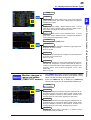
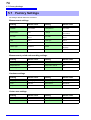
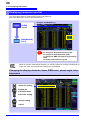
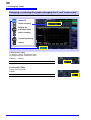
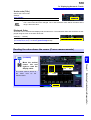
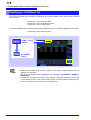
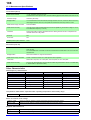
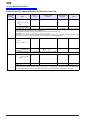
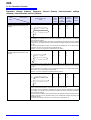
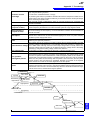
LAN
Set when connecting the PW3198 to a computer with a LAN cable.
See:"Configure the Instruments LAN Settings" (p.158)
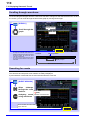
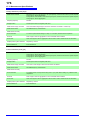
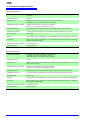
Setting Contents:
IP Address
Sets the IP address. (3 characters.3 characters.3
characters.3 characters (***.***.***.***))
Subnet Mask
Sets the subnet mask. (3 characters.3 characters.3
characters.3 characters (***.***.***.***))
Default Gateway
Sets the default gateway. (3 characters.3 characters.3 characters.3 characters (***.***.***.***))
5
Chapter 5 Changing Settings (as necessary)
OFF