1
CHAPTER 3
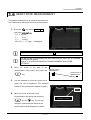
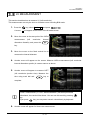
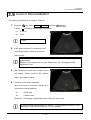
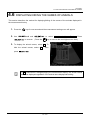
3.5 HISTOGRAM MEASUREMENT
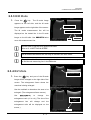
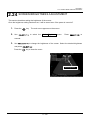
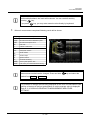
key
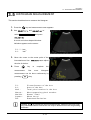
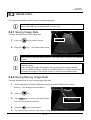
The measurement contents will be deleted in the following order when the
key is pressed when in the measurement mode.
If a measurement has been taken during the measurement operation, only that
measurement will be deleted. .
If no measurement has been taken during the measurement operation and
there are two or more types of measurements (such as distance measurement
and area/circumference, that last measured system is deleted. (For example, if
the sequence of measurement was distance and then area/circumference, all
area/circumference measurements will be deleted.)
key is pressed after
and
If the
remaining measurements will be deleted.
above have been executed, all
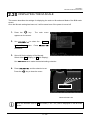
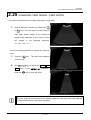
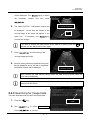
It is possible to change the line being displayed at the time of measurement (the
spacing of the dots in the line) and whether or not the average value is displayed.
Refer to “3.11 DISPLAYS RELATING TO MEASUREMENT AND OTHER
SETTINGS”.
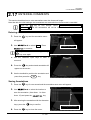
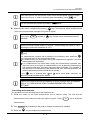
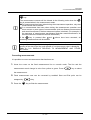
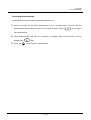
Correcting measurements
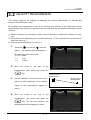
It is possible to correct a measurement that has been set.
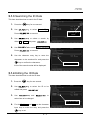
1.
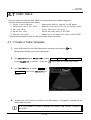
Hover the cursor on the fixed measurement line or numeric result. The line and the
measurement result change its color from yellow to green. Press
key to select
the measurement.
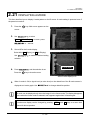
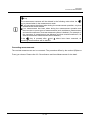
2.
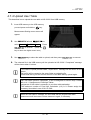
Fixed measurement now can be corrected by trackball. Start and End point can be
swapped by
3.
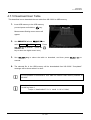
Press the
key.
key to finish the measurement.
3 - 12