1
APR175P USER’S GUIDE
Wi-Fi Settings: Adding a Wi-Fi Network
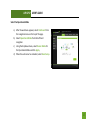
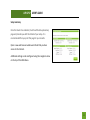
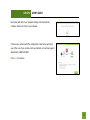
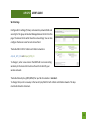
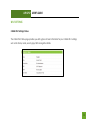
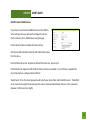
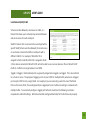
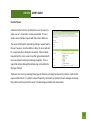
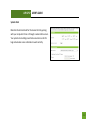
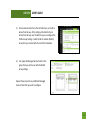
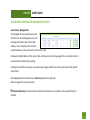
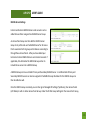
The Wi-Fi settings page allows you to create or edit Wi-Fi networks
(WLAN networks) that can then be associated to a Wi-Fi Network
Groups (WLAN Groups).
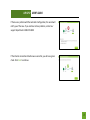
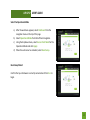
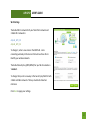
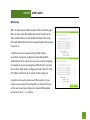
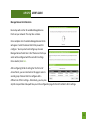
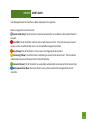
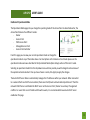
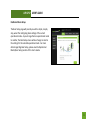
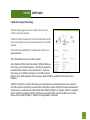
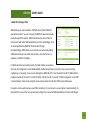
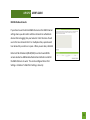
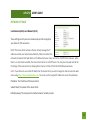
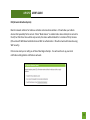
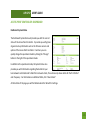
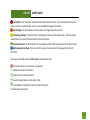
Name/ESSID: The identification name of a Wi-Fi network.
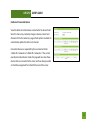
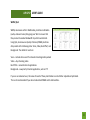
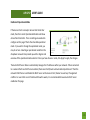
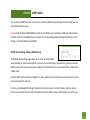
VLAN ID: The VLAN ID is a feature that allows you to virtually map
connected devices and secure access for each SSID created. Devices
that are connected to an SSID with a specific VLAN (Virtual Local Area
Network) ID cannot access or see devices connected to SSIDs with a
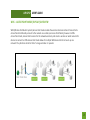
different VLAN ID. For example, if SSID 1 is assigned to VLAN 1 and SSID 2 is assigned to VLAN 2, then devices
connected to SSID 1 will not be able to see or access devices or files on SSID 2 (VLAN 2). VLAN IDs can range
between 1 and 4094.
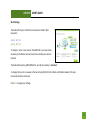
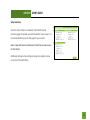
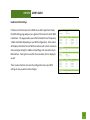
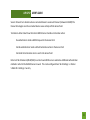
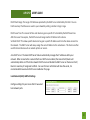
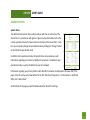
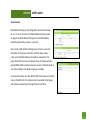
Broadcast SSID: Selecting Disable Broadcast SSID will hide the visibility of this Wi-Fi network. Users must
manually enter the SSID to connect.
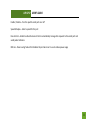
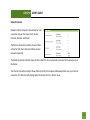
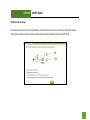
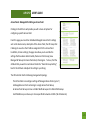
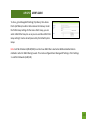
Internet Access Only (Different Subnet): Enabling this will block local network access to all connected Wi-Fi
devices. Devices will only be able to access the Internet and nothing else.
142