1
PRO SERIES DVR User’s Guide
Remote Alarm Log Viewing
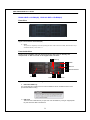
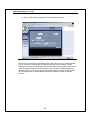
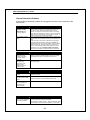
The current settings provide the administrator to view and delete all alarm logs.
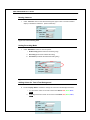
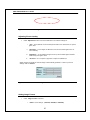
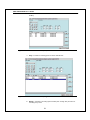
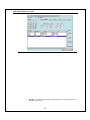
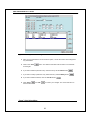
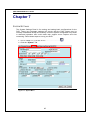
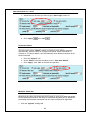
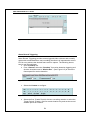
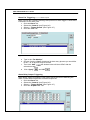
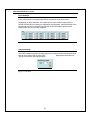
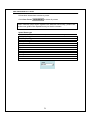
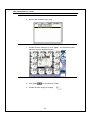
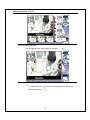
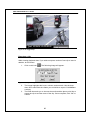
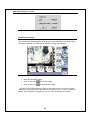
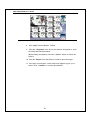
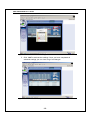
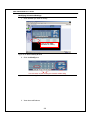
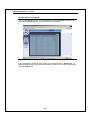
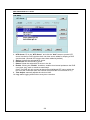
Click on the Alarm Log link. You will see the screen below.
Figure 15-24: Remote Alarm Log
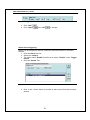
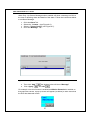
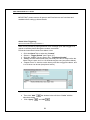
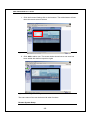
If you would like to delete all logs, click in the checkbox next to “Select All”. To
delete individual logs click next to the checkbox of the file you want to delete and
click the Delete icon.
106