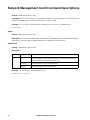
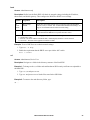
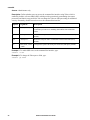
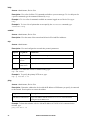
1
About the Main Screen
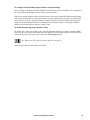
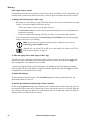
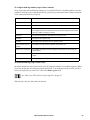
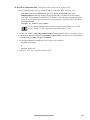
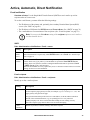
Following is an example of the main screen, which is displayed when you log on to the command
line interface of a Rack PDU.
American Power Conversion
Network Management Card AOS vx.x.x
(c)Copyright 2009 All Rights Reserved RPDU 2g PPPP
vx.x.x
-------------------------------------------------------------------------Name
: Test Lab
Date : 10/30/2009
Contact : Don Adams
Time : 5:58:30
Location : Building 3
User : Administrator
Up Time : 0 Days, 21 Hours, 21 Minutes
Stat : P+ N4+ N6+ A+
APC>
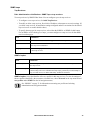
• Two fields identify the APC operating system (AOS) and application (APP) firmware versions.
The application firmware name identifies the type of device that connects to the network. In the
example above, the application firmware for the Rack PDU is displayed.
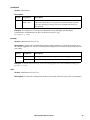
Network Management Card AOS
RPDU 2g
vx.x.x
vx.x.x
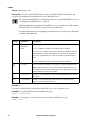
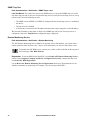
• Three fields identify the system name, contact person, and location of the Rack PDU.
Name
: Test Lab
Contact : Don Adams
Location : Building 3
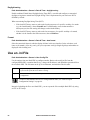
• An Up Time field reports how long the Rack PDU has been running since it was last turned on or
reset.
Up Time : 0 Days, 21 Hours, 21 Minutes
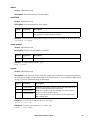
• Two fields identify when you logged in, by date and time.
Date : 10/30/2009
Time : 5:58:30
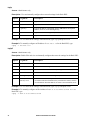
• The User field identifies whether you logged in through the Administrator or Device Manager
account. (The Read Only User account cannot access the command line interface.)
User : Administrator
Metered Rack PDU User Guide
16