1
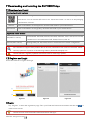
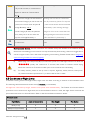
[17] Stop Recording:
Enabled: Stop recording if the Wi-Fi connection between the mobile device and the camera breaks while the
camera is recording.
Disabled: Keeps recording if the Wi-Fi connection between the mobile device and the camera breaks while the
camera is recording.
[18] Select the state the camera will enter in the event of a Wi-Fi Connection break between the mobile device and
the camera. Use this function to ensure you can continue don’t miss out on a shot.
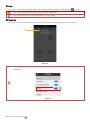
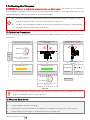
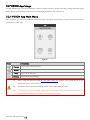
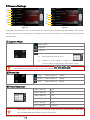
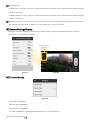
[3] Camera Settings Display
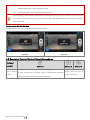
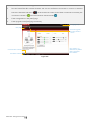
iOS users will see an enabled item display in the camera settings toolbar and disabled items will be hidden.
This feature is not available on Android.
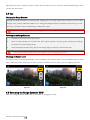
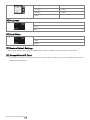
3 items displayed
by default
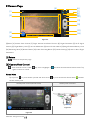
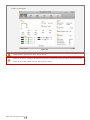
Figure 94
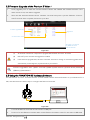
Figure 95
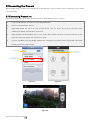
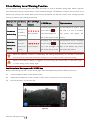
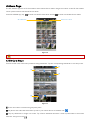
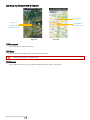
[4] Preview Quality
Figure 96
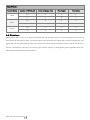
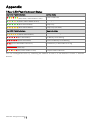
High: 640 x 480@30fps
Medium: 640 x 480@15fps
Medium: 320 x 240@30fps
Low: 320 x 240@15fps (Recommended when there is a lot of interference.)
©2014 DJI. All Rights Reserved.