1
System settings
6.8.3
Network failure detection
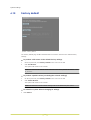
System > Events > Network failure detection
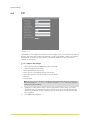
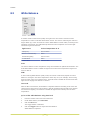
Ping request
The network failure detection function enables the BC820/BL820 to test the connection
between the camera and a target host on the network. The camera can ping the remote
machine - that is, send data packets to it, with configurable intervals to determine if it is
accessible and responding. Appropriate actions can be selected to be triggered if the ping
request times out without a response. Being capable of implementing local recording when
network failure occurs, the camera can be a backup recording device for the surveillance
system.
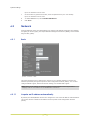
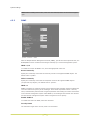
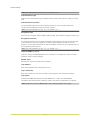
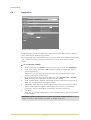
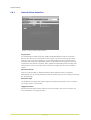
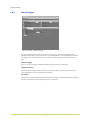
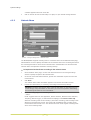
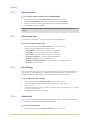
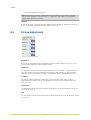
Detection Switch
Click On or Off to enable or disable the Network failure detection alarm, respectively.
Alternatively, you can click By schedule to select a schedule that you have configured through
the Schedule page.
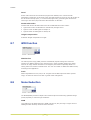
Detection Type
The IP address you specify here will be pinged at the interval entered for "every n minutes".
The range is from 1 to 99 minutes.
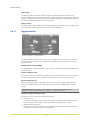
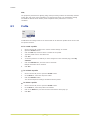
Triggered Action
Select the desired trigger actions which are to be performed in the event of an alarm. For
more information, see Triggered Action.
54