1
Provision Synchronization
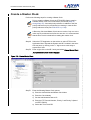
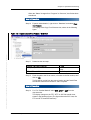
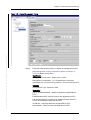
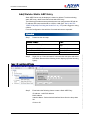
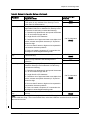
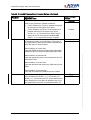
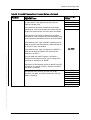
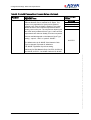
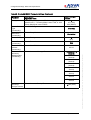
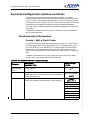
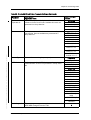
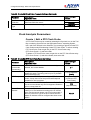
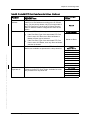
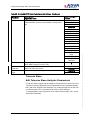
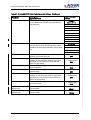
Edit BITS-OUT
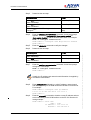
Step 9
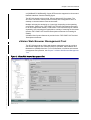
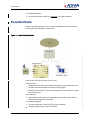
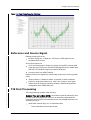
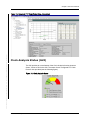
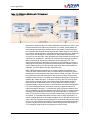
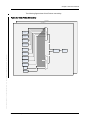
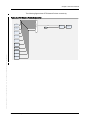
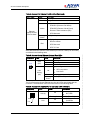
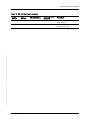
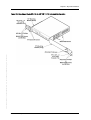
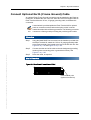
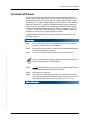
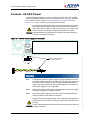
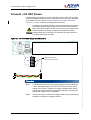
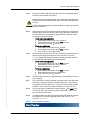
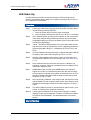
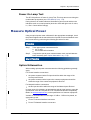
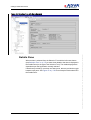
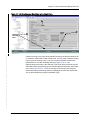
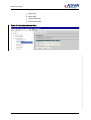
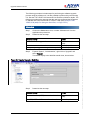
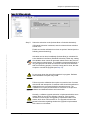
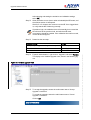
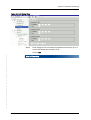
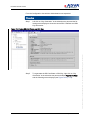
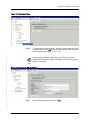
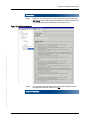
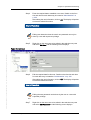
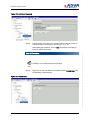
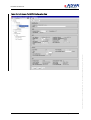
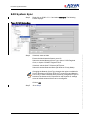
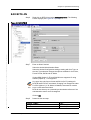
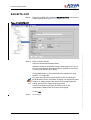
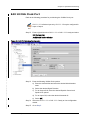
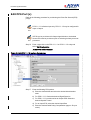
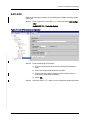
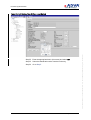
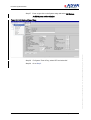
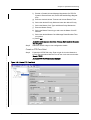
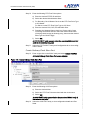
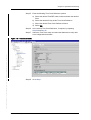
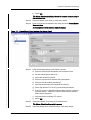
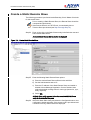
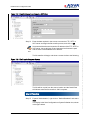
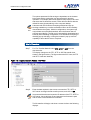
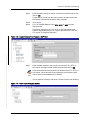
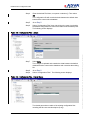
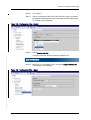
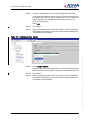
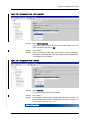
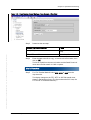
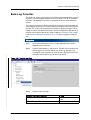
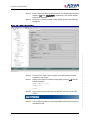
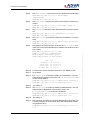
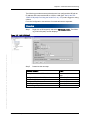
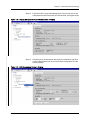
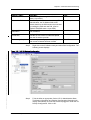
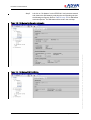
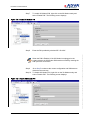
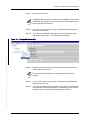
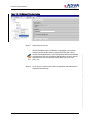
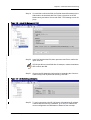
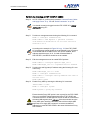
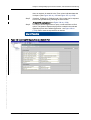
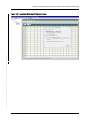
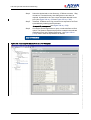
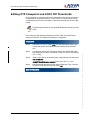
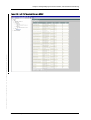
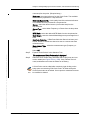
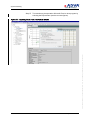
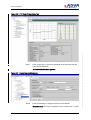
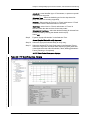
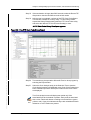
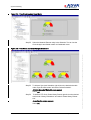
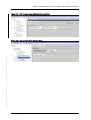
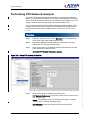
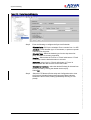
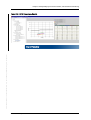
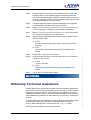
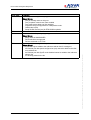
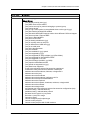
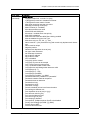
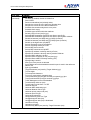
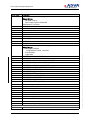
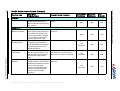
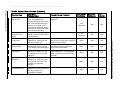
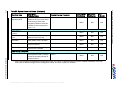
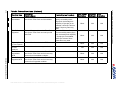
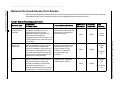
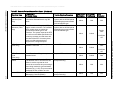
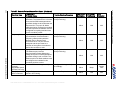
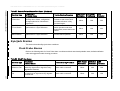
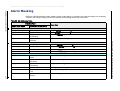
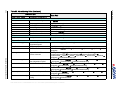
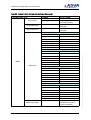
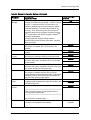
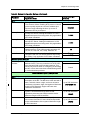
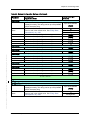
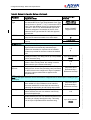
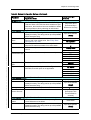
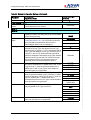
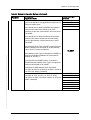
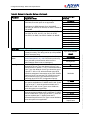
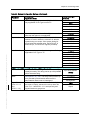
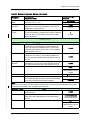
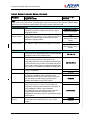
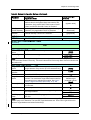
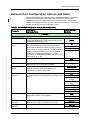
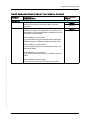
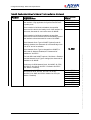
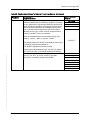
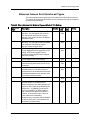
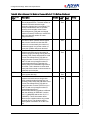
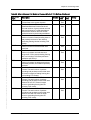
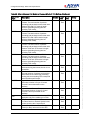
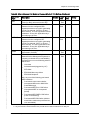
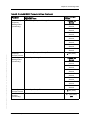
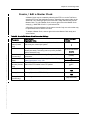
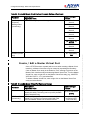
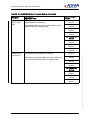
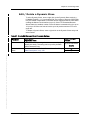
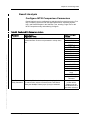
Right click on BITS-OUT and select Edit Configuration. The following
screen displays (see Figure 87 on p. 190):
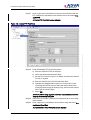
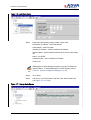
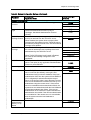
Step 10
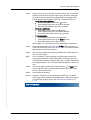
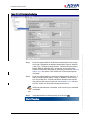
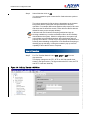
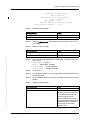
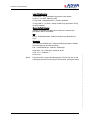
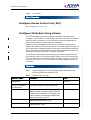
Enter an Alias if desired.
Select the desired Administrative State.
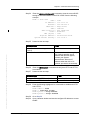
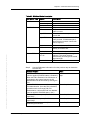
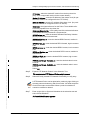
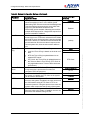
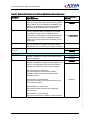
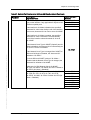
Select the desired Configuration settings, starting with Line Type, as
the Line Type selection changes the options available for Line Code,
Frame Format, SA Bit and QL Mode.
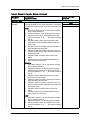
If using SDH (Option-1), E1 and 2048 kHz are supported. If using
SONET, T1 is supported.
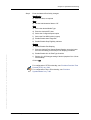
PS
Note
Line type, line code, frame format and SA bit (for E1) settings for
BITS-IN and BITS-OUT are shared. Changing one changes the other.
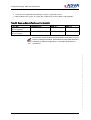
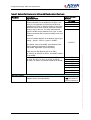
Squelch QL setting means if the reference clock drops below this
setting, the BITS-OUT output will be suppressed.
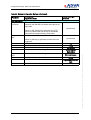
As part of the Ethernet port Sync-E reference set up, the
Administration State should not be set to Unassigned.
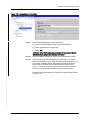
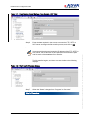
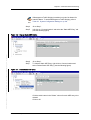
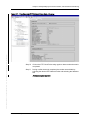
Click on OK.
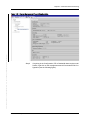
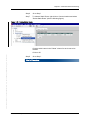
Step 11
190
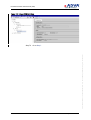
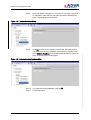
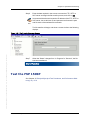
Go to Step 2.
Installation and Operations Manual
FSP 150SP-100 R6.1.1 80000026364 Issue: A, © 2014 ADVA Optical Networking SE - Confidential
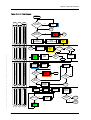
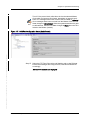
Figure 87: Edit BITS-OUT