1
Chapter1 Overview of XSCF
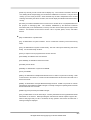
length of time, XSCF automatically logs the user out.
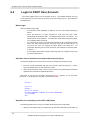
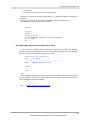
For information about the how to log in to XSCF, see "Chapter6 How to Use the XSCF
Command Shell". For information about authentication and the XSCF Web function, see
"Chapter5 How to Use the XSCF Web Function". For information about registration of accounts
and mail settings, see "Chapter2 Setting Up XSCF".
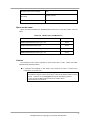
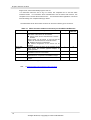
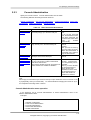
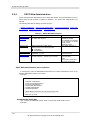
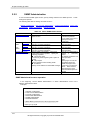
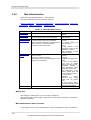
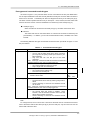
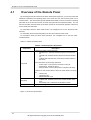
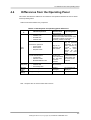
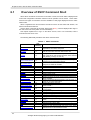
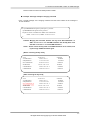
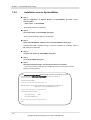
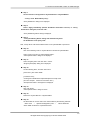
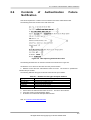
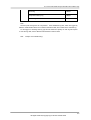
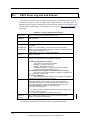
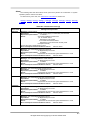
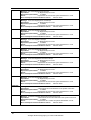
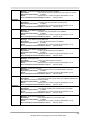
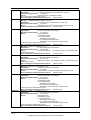
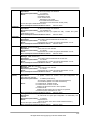
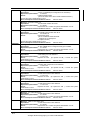
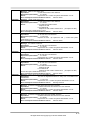
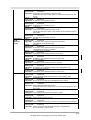
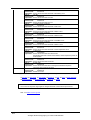
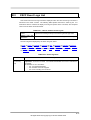
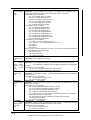
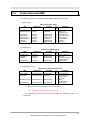
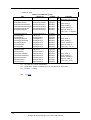
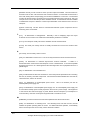
The table below shows which XSCF functions can be used on either type of connection.
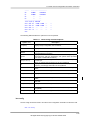
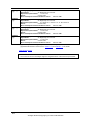
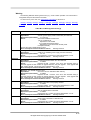
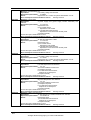
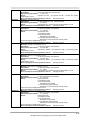
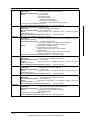
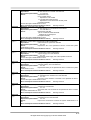
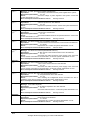
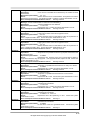
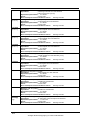
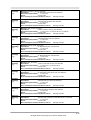
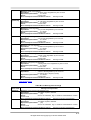
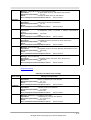
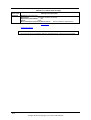
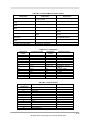
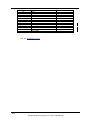
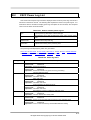
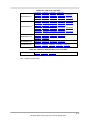
Table 1-1 XSCF functions usable on the serial port and SCF-LAN Ethernet
Function
Description
XSCF shell
● Monitors the server.
The status of the server can be checked.
● Server power can be controlled from a remote
location.
Server power can be turned on and off and the
system can be rebooted from a remote location.
● Displays the server configuration.
The internal configuration of the server can be
checked.
XSCF Web
Provides the same functions as the functions of the
function
XSCF shells, but provides graphical displays for
easier operation.
Mail report
Reports errors and failures by e-mail so that
immediate measures can be taken.
SNMP trap report Enables consolidated control for server
administration in conjunction with SNMP manager.
Standard console You can access to the OS console and/or OBP
prompt.
S: Supported. -: Not supported.
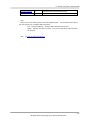
Next:
S
SCF-LAN
Ethernet
S
-
S
-
S
-
S
S
S
Serial port
1.4 XSCF Monitoring and Linkage to Other Functions
1-8
All Rights Reserved, Copyright(C) FUJITSU LIMITED 2003