1
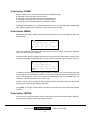
Changing the “Trem. Speed” (tremulant speed) of an instrument is done as follows:
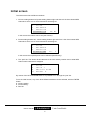
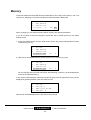
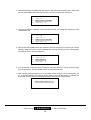
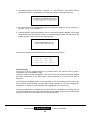
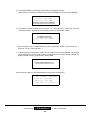
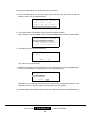
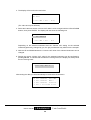
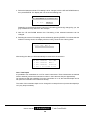
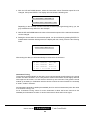
1. Press the MENU button to get to the main menu and select the menu item “Advanced
Settings”, with the UP and DOWN buttons.
^
Change
Part
Midi
Chan's
Settings
Receive
Midi
>Advanced
Msg's
Settings
^
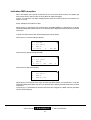
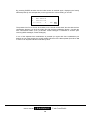
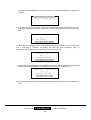
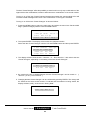
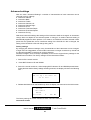
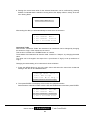
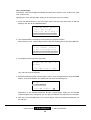
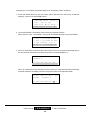
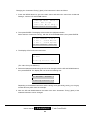
2. Then press ENTER. The display will now show the (sub)menu below.
Select the item “Instr. Trem Speed” with the UP and DOWN buttons, then press ENTER.
^
Instr
Volume
Instrument
Speed
C-Cis
Instr.
Trem
Depth
>Instr.
Trem
Speed
^
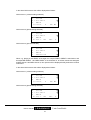
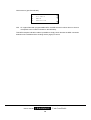
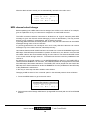
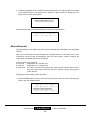
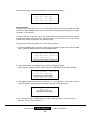
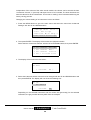
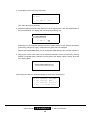
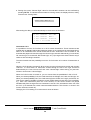
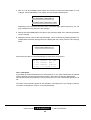
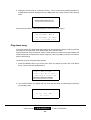
3. When an instrument whose tremulant cannot be turned on or off (and consequently whose
speed cannot be set either) has been selected, the fourth line will read “(TremulantSpeed:No
)”.
Select
CHOIR
Voice
Nr.:
19
2
(TremulantSpeed:NO
)
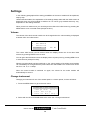
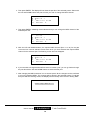
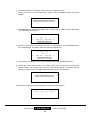
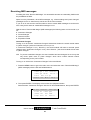
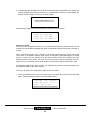
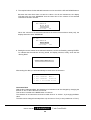
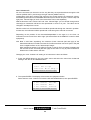
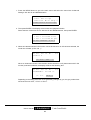
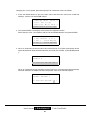
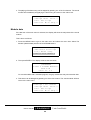
When an instrument whose tremulant can be turned on or off (instruments with tremulant)
has been selected, the display will show the present value of the tremulant speed.
Select
Voice
Nr.:
GOSPEL
ORGAN
1
(TremulantSpeed:40
User’s manual
JOHANNUS
41
20
)
Classic Sound Module