1
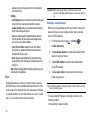
4.
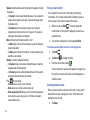
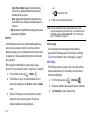
A gold star will appear next to the contact in the Address
4.
Book.
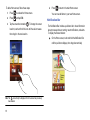
At the Delete prompt, tap OK to delete the contact or Cancel
to exit.
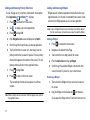
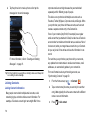
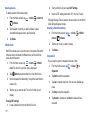
Removing Favourites from your Address Book
➔ Contacts
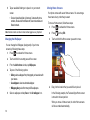
Using the Service Dialing Numbers
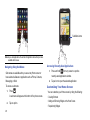
1.
From the Home screen, tap
.
2.
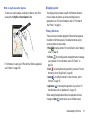
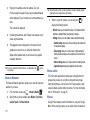
Within the Contacts list, touch and hold a contact that you
want to remove from your favourites list. Contacts in your
Favourites list will have a gold star.
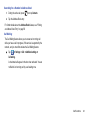
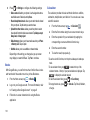
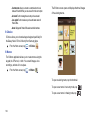
You can view the list of Service Dialing Numbers (SDN) assigned
by your service provider. These numbers may include emergency
numbers, customer service numbers, and directory inquiries.
1.
From the Home screen, tap Contacts
➔
➔ More
➔ Settings.
3.
Tap Remove from Favorites on the displayed list.
4.
The gold star will no longer appear next to the contact in the
Address Book.
2.
Tap Service numbers.
3.
Scroll through the available numbers and tap a number to
make a call.
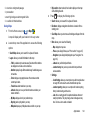
Managing Address Book Entries
You can copy, delete, and view the memory status for the contact
entries on your phone.
Note: This menu is available only when your SIM card supports Service
Dialing Numbers.
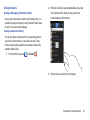
Deleting Address Book Entries
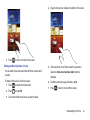
You can delete Phone or SIM entries from your phone’s memory.
1.
From the Home screen, tap
2.
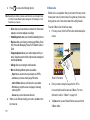
Within the Contacts list, touch and hold a contact that you
➔ Contacts
.
want to delete.
3.
Tap Delete on the displayed list.
Contacts and Your Address Book
64