1
C H A P TER
3
SETTI N G
U P
P ROJ E CT
T RACKING
Enhanced Project Security
The Enhanced Project Security feature is available with Project Tracking.
Using Enhanced Project Security, you can control which users can view
projects, edit project setups, distribute to projects, create adjustments to
projects, approve and reopen budgets.
Using Enhanced Security is optional. By default, Enhanced Security is not
activated when you install Project Tracking. You can activate Enhanced
Security on a per company basis and you can set security permissions for
each user on a per project basis. It is easy to make some projects open to
all users while severely limiting access to others.
Enhanced Security hides projects from users without security access. If a
user does not have security rights to a project, that user will not be able to
access the project, and the project will not even be listed on the look-ups
for the user to see, keeping the project virtually hidden from the user.
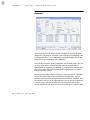
Activating Enhanced Security will password protect the Project Tracking
File Maintenance window.
Activating and deactivating Enhanced Security
By default, security is not activated when Project Tracking is installed.
Once activated, you must set security permissions for all current users. If
desired, you can disable security later.
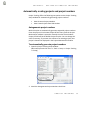
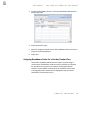
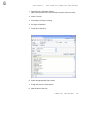
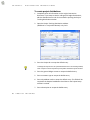
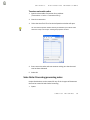
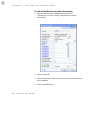
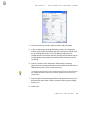
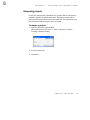
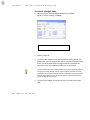
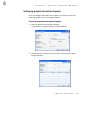
To activate enhanced security:
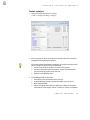
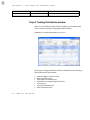
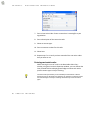
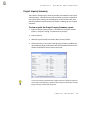
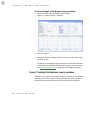
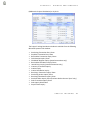
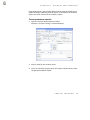
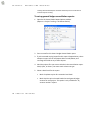
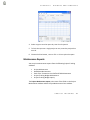
1. Open the Project Tracking Setup window.
(Microsoft Dynamics GP menu >> Tools >> Setup >> Project Tracking
>> Setup)
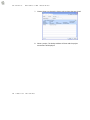
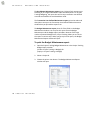
2. Choose the Security button.
66
P R O JECT
TRACKI N G