1
OptiCon SBG-1000 User Manual (DATA Features)
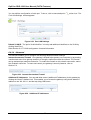
6.4.5.2 Passing Web Authentication
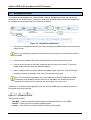
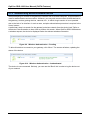
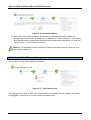
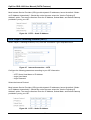
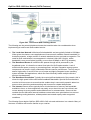
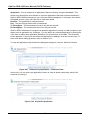
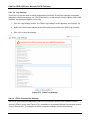
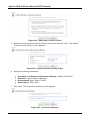
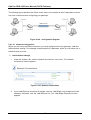
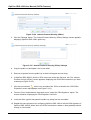
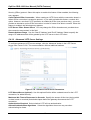
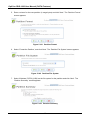
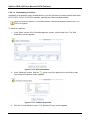
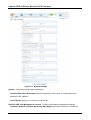
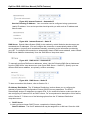
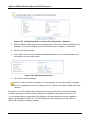
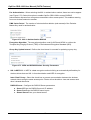
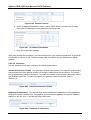
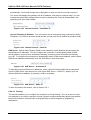
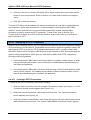
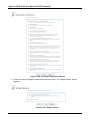
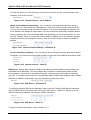
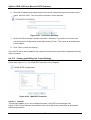
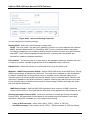
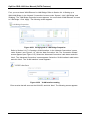
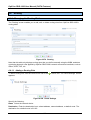
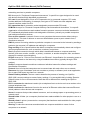
Prior to wireless authentication and encryption, the Web authentication feature protects your
wireless network from unauthorized wireless clients. When wireless clients attempt to connect to
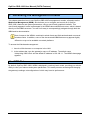
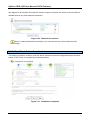
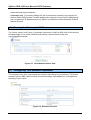
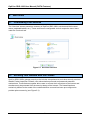
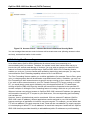
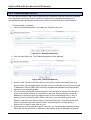
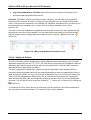
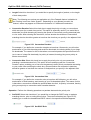
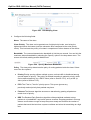
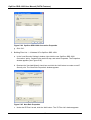
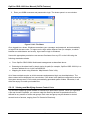
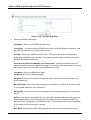
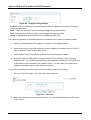
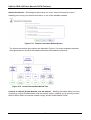
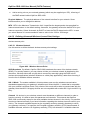
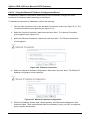
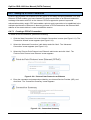
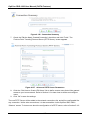
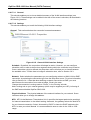
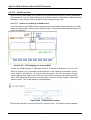
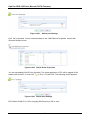
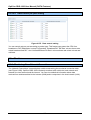
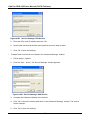
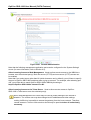
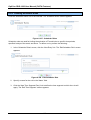
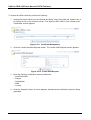
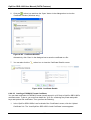
OptiCon SBG-1000‘s WAN, they are prompted to enter a user name and password (see
Figure 6.47). Note that all other attempts to use the wireless network prior to the authentication will
fail (Telnet, FTP, ping).
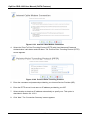
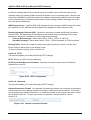
Figure 6.47 Web Authentication
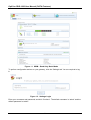
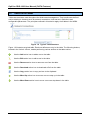
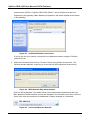
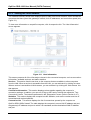
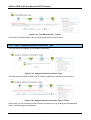
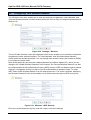
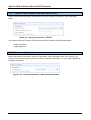
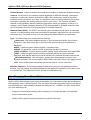
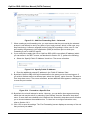
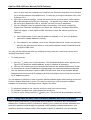
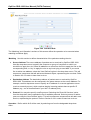
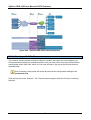
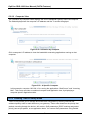
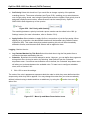
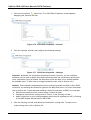
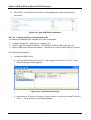
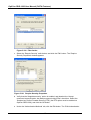
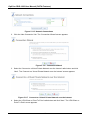
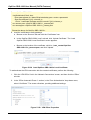
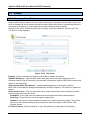
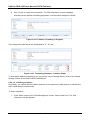
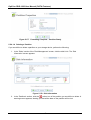
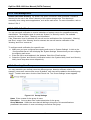
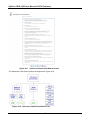
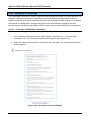
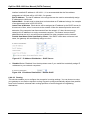
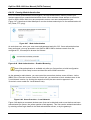
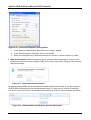
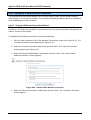
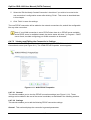
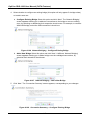
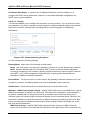
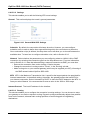
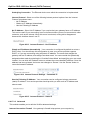
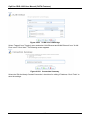
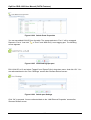
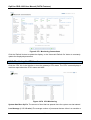
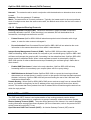
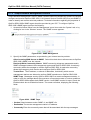
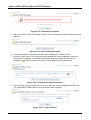
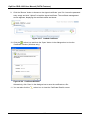
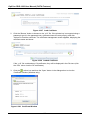
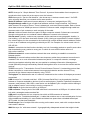
As a wireless user, enter your user name and password and click ‗OK‘. Once authentication has
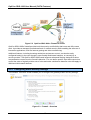
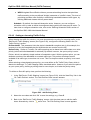
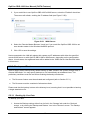
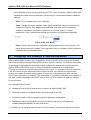
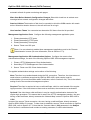
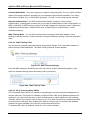
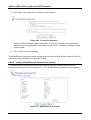
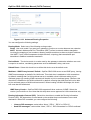
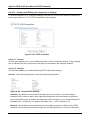
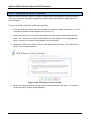
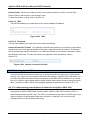
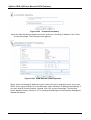
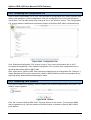
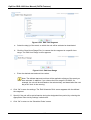
been performed, you may proceed to use OptiCon SBG-1000‘s wireless network from the
configured PC, for example to browse the Internet.
Figure 6.48 Web Authentication – Enabled Browsing
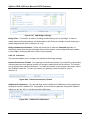
Note: Web authentication is available only after you first perform an initial configuration
using the ‗Quick Setup‘ screen and have an active WAN connection.
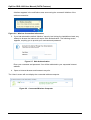
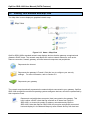
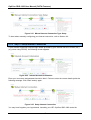
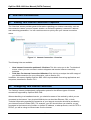
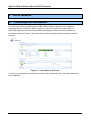
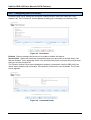
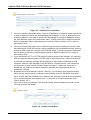
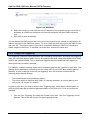
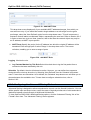
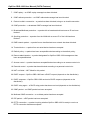
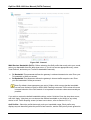
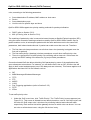
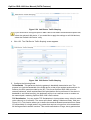
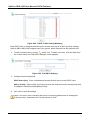
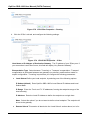
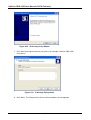
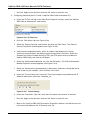
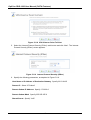
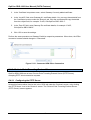
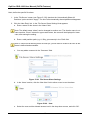
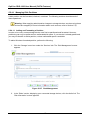
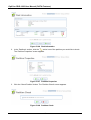
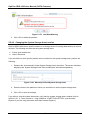
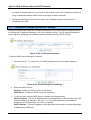
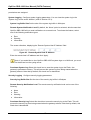
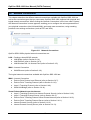
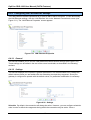
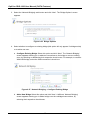
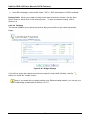
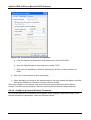
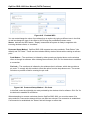
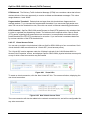
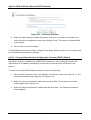
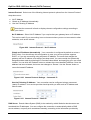
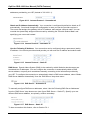
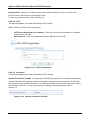
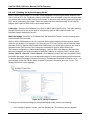
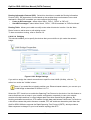
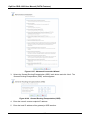
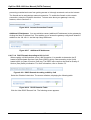
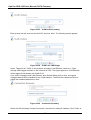
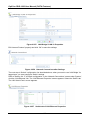
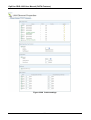
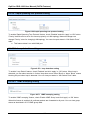
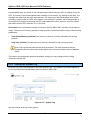
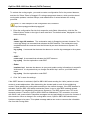
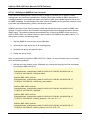
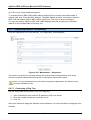
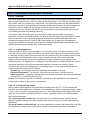
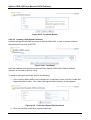
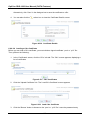
As the gateway‘s administrator, you can control the access that wireless users will have, via the
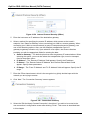
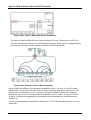
WBM. In the ‗Overview‘ screen under the ‗Home‘ tab, you can allow or block wireless users in the
‗Local Network‘ section, by clicking the respective links (the same section appears in the
‗Overview‘ screen under the ‗Local Network‘ tab).
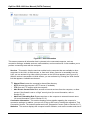
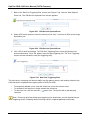
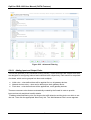
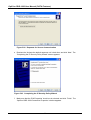
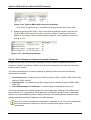
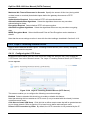
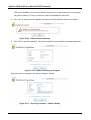
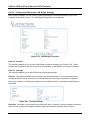
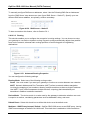
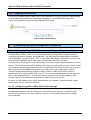
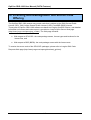
Figure 6.49 Home Overview – Local Network
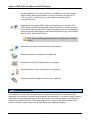
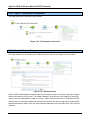
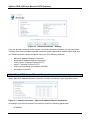
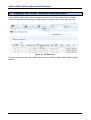
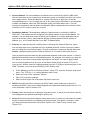
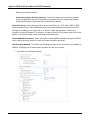
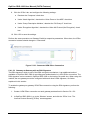
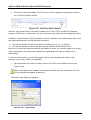
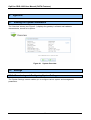
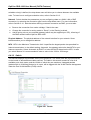
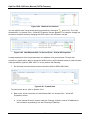
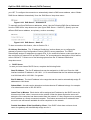
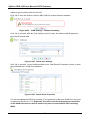
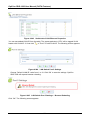
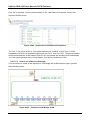
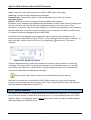
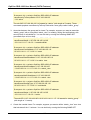
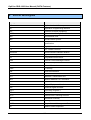
Figure 6.49 depicts a connected wireless user (that can be blocked), and a user that has not been
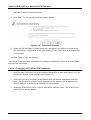
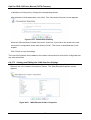
authenticated yet (hence, the yellow question mark appears). This user can be authenticated either
by entering correct login details in the Web authentication screen, or by the gateway‘s
183