1
OptiCon SBG-1000 User Manual (DATA Features)
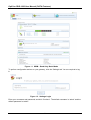
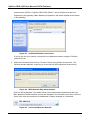
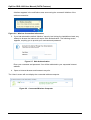
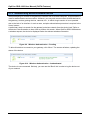
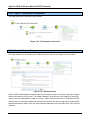
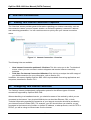
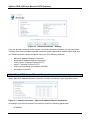
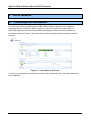
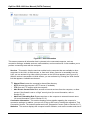
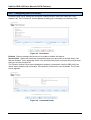
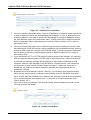
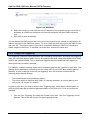
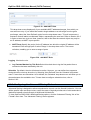
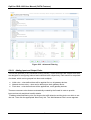
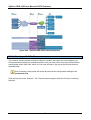
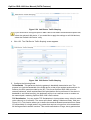
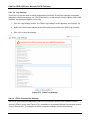
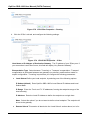
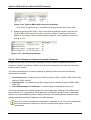
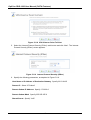
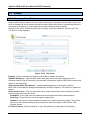
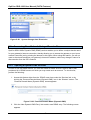
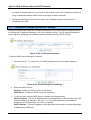
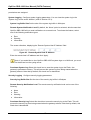
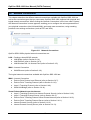
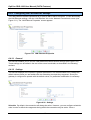
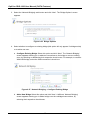
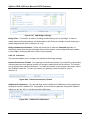
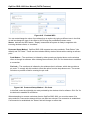
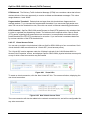
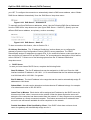
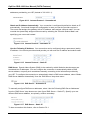
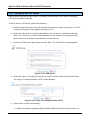
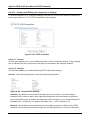
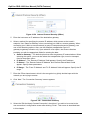
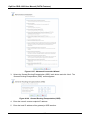
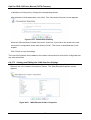
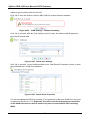
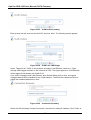
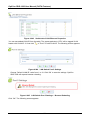
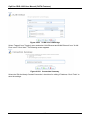
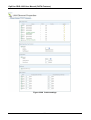
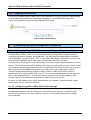
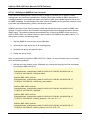
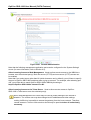
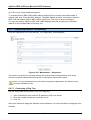
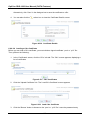
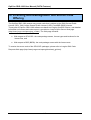
Figure 3.2 Internet Connection – Settings
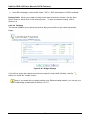
If you are already connected to the Internet, this screen provides information on your connection.
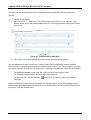
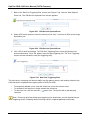
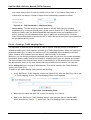
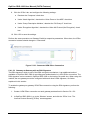
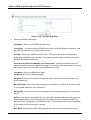
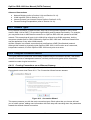
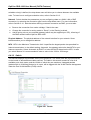
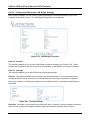
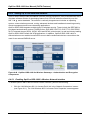
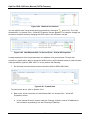
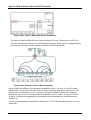
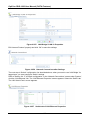
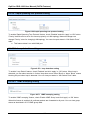
The drop-down menu provides the WAN connection types supported by OptiCon SBG-1000, and
your WAN connection can be configured using one of the following methods.
•
•
•
•
•
•
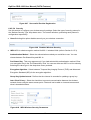
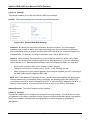
Manual IP Address Ethernet Connection
Automatic IP Address Ethernet Connection
Point-to-Point Tunneling Protocol (PPTP)
Layer 2 Tunneling Protocol (L2TP)
Point-to-point protocol over Ethernet (PPPoE)
No Internet connection
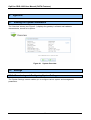
3.2.1 Manual IP Address Ethernet Connection
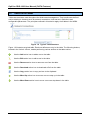
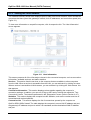
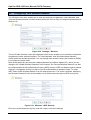
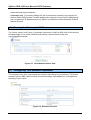
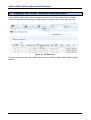
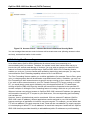
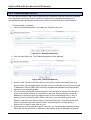
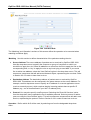
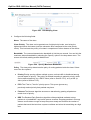
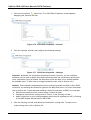
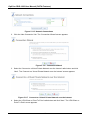
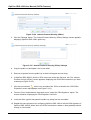
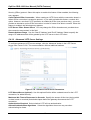
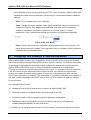
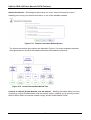
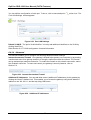
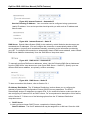
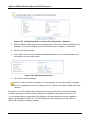
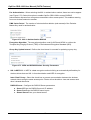
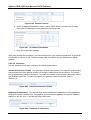
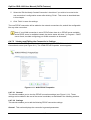
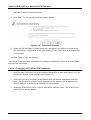
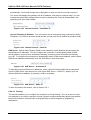
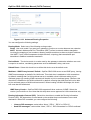
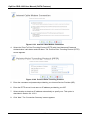
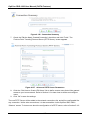
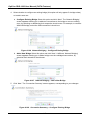
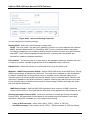
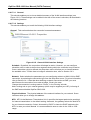
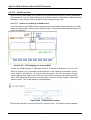
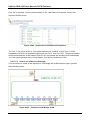
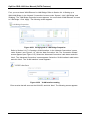
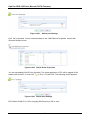
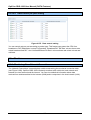
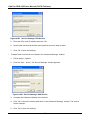
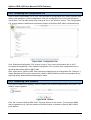
Select ‗Manual IP Address Ethernet Connection‘ from the ‗Connection Type‘ drop-down menu.
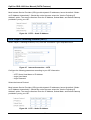
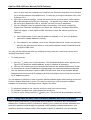
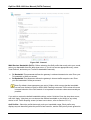
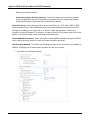
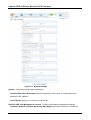
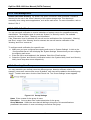
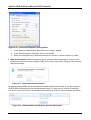
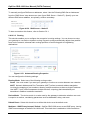
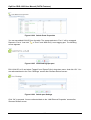
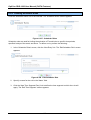
Figure 3.3 Internet Connection – Manual IP Address Ethernet Connection
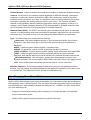
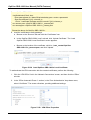
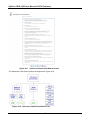
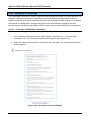
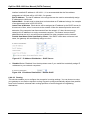
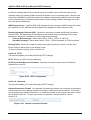
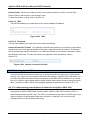
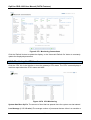
According to your service provider‘s instructions, specify the following parameters:
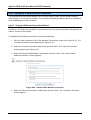
• IP address
24