1
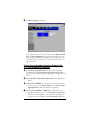
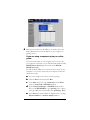
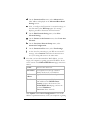
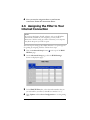
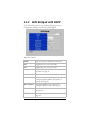
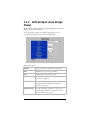
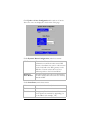
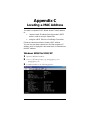
3 Now enter the corresponding VPI, VCI, and Encapsulation
settings in the appropriate boxes.
4 If you selected PPPoE as your protocol, leave the Service
Name box empty.
5 If you selected either PPPoE or PPPoA as your Protocol,
your provider should have given you a User ID or User
Name (usually your email address or the characters
preceding the @ sign in your email address) and a
Password. (These are NOT the User ID and Password that
you used to get into the Basic Setup menu.) If you cannot
remember or cannot find your User ID and Password, call
your service provider and say that you have misplaced
your user name and password. Then enter them as well.
This information is only required with PPPoE and PPPoA
protocols.
6 If your Service Provider uses 1483 Bridged IP or 1483
Routed IP, you should have been given series of numbers
for the IP Address and Gateway. Enter these numbers in the
appropriate boxes.
7 Leave the Virtual Circuit box at 0.
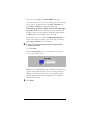
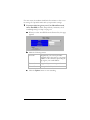
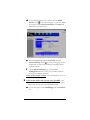
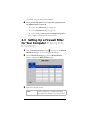
8 Click Update, then Save Configuration.
9 Go to your Web browser (i.e., Internet Explorer or Netscape
Navigator) and try to connect to a familiar Web address.
If you connect successfully, your installation is complete
and you’re ready to browse the web!
14 Hayes ADSL Ethernet User’s Guide