1
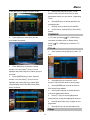
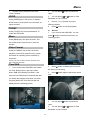
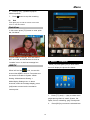
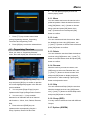
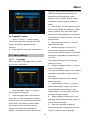
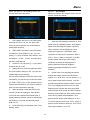
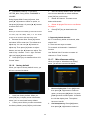
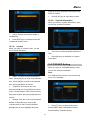
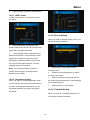
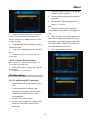
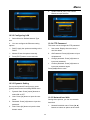
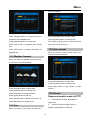
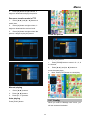
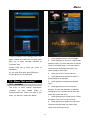
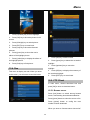
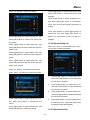
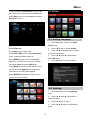
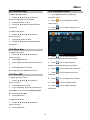
Menu [OK] key to input characters, then press [red] button to confirm. 4. Press [EXIT] key to come back contact. 10.2.0. System information When you enter to "system information" menu, you will see a screen lick below: 1. Conax: Control conax block usable or useableness. 2. Press [EXIT] key to draw back from the "conditional access" menu. 10.1.9. contact When you enter to "contact" menu, you will see a screen like below: 1. This menu to show parameters about the STB. 2. Press [OK] key to draw back to "system information" 10.2 PVR/HDD Setting When you enter to “PVR/HDD Setting” menu, you will see a screen like below: Note: 1. If no USB Hard Disk insert to the receiver this Name: This item to use note provider's menu is not available. name. Press [OK] key to enter to the selected item. Press [OK] key to enter to the selected item. Press [red] button to confirm. 2. Telephone: This item to use note provider's telephone. Press [OK] key to enter to the "contact rename" menu, press numeric keys input number, then press [red] button to confirm. 3. Website: This item to use note provider's website. Press [OK] key to enter to the "contact rename" menu, press [up/down] 1. [left/right] key to move highlight and press among HDD Format, USB Speed Testing, Press [/] key to select menu items Record Setting, Timeshift Setting. 27