1
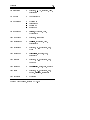
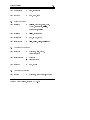
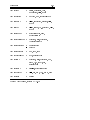
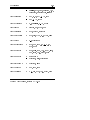
10.16
.3
.4
.5
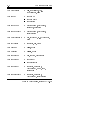
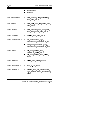
12.1
.2
.3
.4
.5
.6
.7
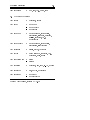
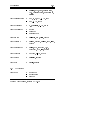
13.1
.2
.3
.4
.5
.6
.7
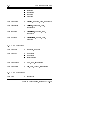
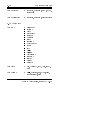
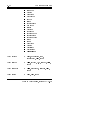
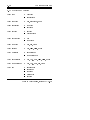
14.1
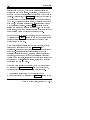
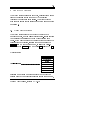
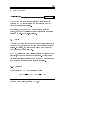
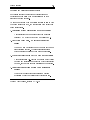
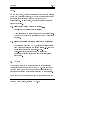
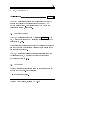
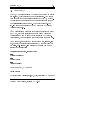
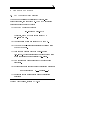
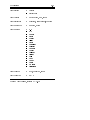
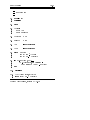
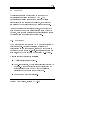
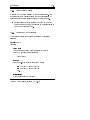
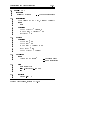
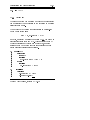
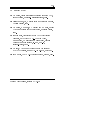
Illustrative examples
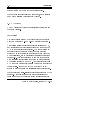
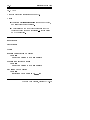
post
(;;
r 62dom odm ^
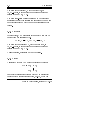
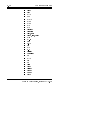
(;;
odm = odm [ fr 7! od g;
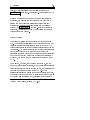
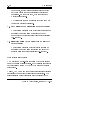
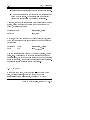
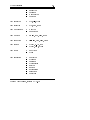
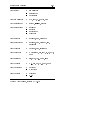
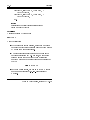
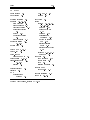
NEWAC (cu : Cno ) r : Acno
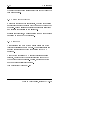
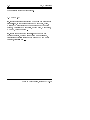
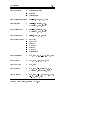
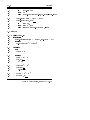
m Overdraft
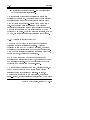
ext rd odm : Cno ;!
m Acdata
wr acm : Acno ;!
pre cu 2 dom odm
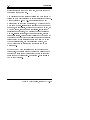
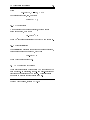
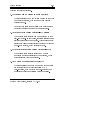
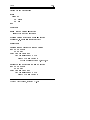
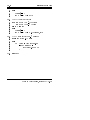
post
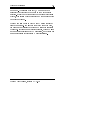
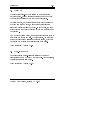
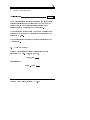
;; ^
r 62dom (
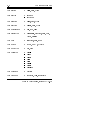
acm
;; [ fr 7! mk-Acdata (cu ,0)g;
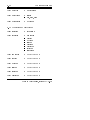
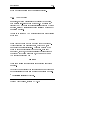
acm = (
acm
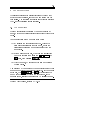
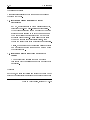
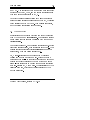
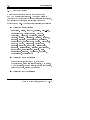
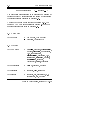
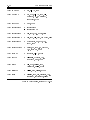
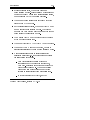
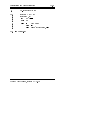
m Balance
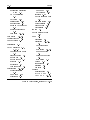
ACINF (cu :Cno ) r : Acno ;!
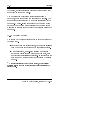
m Acdata
ext rd acm : Acno ;!
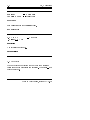
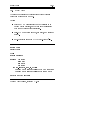
post
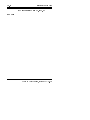
r = f acno 7! (acm (acno )).bal
j acno 2 dom acm .
(acm (acno )).own = cu
g
end Bank
SpecBox User Manual, version: PC/2.21a