1
Configuring the Setup Table File with Plate Document Information
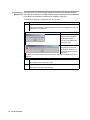
The second step in the procedure is to import the setup table file into a secondary
application, configure it with sample and detector information, and then save the
completed setup table file in tab-delimited format.
To configure the setup table file with information:
Step
Action
1
Launch the application that you want to use to edit the setup table file.
2
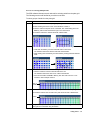
Import the setup table file from the previous procedure as tab-delimited text.
If using a spreadsheet application to edit the setup table file, the application
automatically parses the tab-delimited information into the cells of a spreadsheet.
3
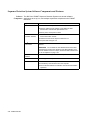
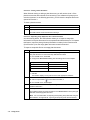
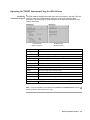
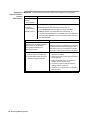
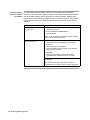
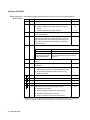
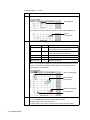
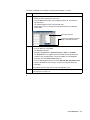
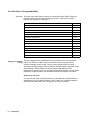
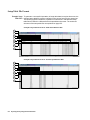
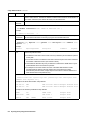
Configure the setup table file with sample and detector information according to the
file structure explained on page B-5.
4
Save the setup table file in tab-delimited format.
5
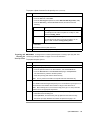
Import the completed setup table file into an empty plate document as explained
below.
Importing the Completed Setup Table File into a Plate Document
The final step in the procedure is to import the completed setup table tab-delimited file
into an empty plate document.
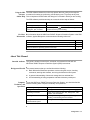
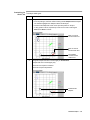
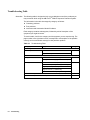
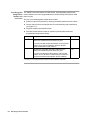
To import setup information from a tab-delimited text file to a plate document:
Step
1
Action
If the plate document created in “Creating an Empty Setup Table File” on page B-2
is still open in the SDS software, continue to step 3. Otherwise, create a plate
document to receive the setup table data as follows:
a. Launch the SDS software.
b. Create or open a plate document to receive the information from the text file.
2
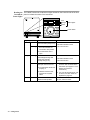
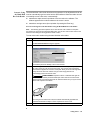
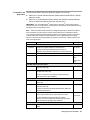
Choose one of the following options:
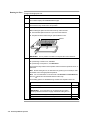
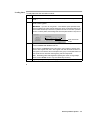
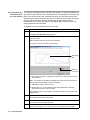
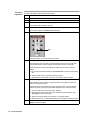
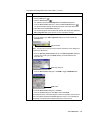
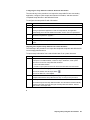
♦ From the toolbar, click the Import button (
).
♦ From the File menu, select Import.
3
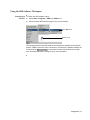
From the Look In text field of the Import dialog box, navigate to and select the
completed tab-delimited setup table file from step 4 in the previous procedure.
4
Click Import.
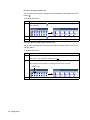
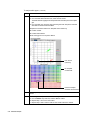
The software imports the setup table information from the text file and automatically
configures the plate document plate grid and setup table with detector, detector
task, marker, and sample data.
Importing and Exporting Plate Document Data B-3