1
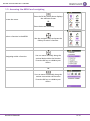
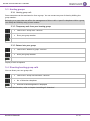
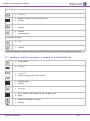
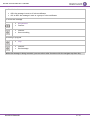
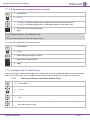
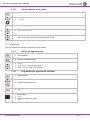
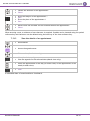
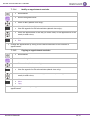
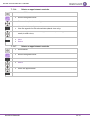
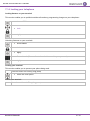
Alcatel-Lucent 8242 DECT Handset 7.9 Modifying a record in the personal directory Access MENU. Contacts PersSpDial Select the record to be modified. Confirm (long press) Modify the name Apply. Modify the number. Apply. Press the # key to switch from lowercase letters mode to uppercase letters mode, and from uppercase letters mode to numbering mode.Use the browser to position on the character or digit to modify. To delete a character, briefly press the delete key. To erase a field full of characters, hold down the erase key (long press). 7.10 Erase a record from the personal directory Access MENU. Contacts PersSpDial Select the record to erase. Confirm (long press) Delete all characters Apply. Delete all numbers Apply. 8AL90311USAAed01 45 /61