1
Wireless LAN Access Point Configuration
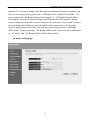
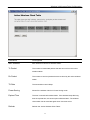
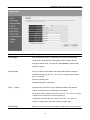
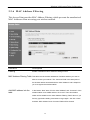
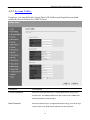
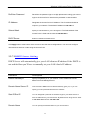
Remove MAC address from If you want to remove some MAC address from the “MAC Address
the table
Filtering Table”, select the MAC addresses you want to remove in the
table and then click “Delete Selected”. If you want remove all MAC
addresses from the table, just click “Delete All” button.
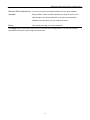
Reset
Click “Reset” will clear your current selections.
Click Apply button at the bottom of the screen to save the above configurations. You can now configure
other advance sections or start using the Access Point.
33