1
Section 1 GETTING TO KNOW THE BASICS
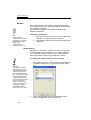
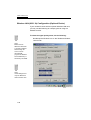
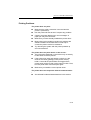
To configure the Wireless LAN function, do the following:
Double tap the Wireless icon on the Taskbar and select
Configuration tab.
Note:
Actual dialogue box
may be different to
what is shown here.
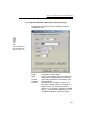
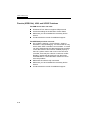
Mode:
SSID:
Tx Rate:
PS Mode:
Channel:
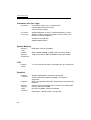
Select 802.11 AdHoc Mode
Enter the same name if two or more than two
system are to establish wireless connection.
Select Fully Automatic for transmission rate
Select Disabled
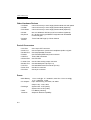
Depending on your region or location, you
may enter a specific value. For example, for
North America, you may select channel 1
through 11. Go to [Start > Programs > PRISM
802.11 > Country Domain Selection] for a list
of suitable channel for a particular region.
1-21