1
Card
Printer
Solutions
P420i Plastic Card Printer
2•2 Loading Ribbons
General information
Getting started
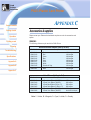
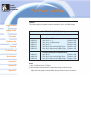
The P420i Printer requires approved ribbons (see Appendix C). The Resin Therm al
Transfer and Dye Sublim ation ribbons and Lam ination are specifically designed for
your P420i Printer. i Series printers require the use of i Series ribbons for full color
printing
Operation
Printing a card
Cleaning
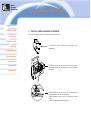
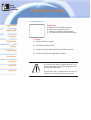
DO N OT TOU CH t h e p r i n t h ead o r t h e el ect r o n i c
com ponents on the print head carriage. Discharges of
electrostatic energy that accum ulates on the surface of
the hum an body or other surfaces can dam age the
print head and other electronic com ponents used in
the device.
Troubleshooting
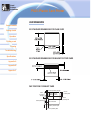
Specifications
Appendix A
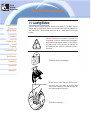
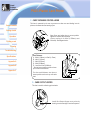
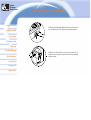
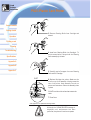
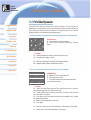
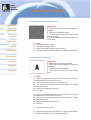
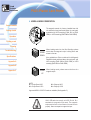
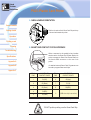
1.· Rem ove ribbon from packaging.
Appendix B
Appendix C
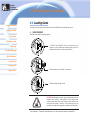
2.· W i t h p r i n t er p o w er ON an d REA DY st at u s,
open cover and press dow n on the Print Head
Unlock Lever to open the print head carriage. The
print head carriage w ill pop open.
Continued on next page .......