1
User Manual of Network Video Recorder
8.6 Handling Exceptions Alarm
Purpose:
Exception settings refer to the handling action of various exceptions, e.g.
•
•
•
•
•
•
•
•
HDD Full: The HDD is full.
HDD Error: Writing HDD error or unformatted HDD.
Network Disconnected: Disconnected network cable.
IP Conflicted: Duplicated IP address.
Illegal Login: Incorrect user ID or password.
Record/Capture Exception: No space for saving recorded files or captured images.
Hot Spare Exception: Disconnected with the working device.
Array Exception: Abnormal virtual disks exist under array.
Array Exception is only supported by DS-9600NI-RT and DS-9600NI-XT series NVR.
Steps:
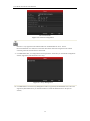
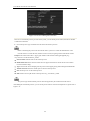
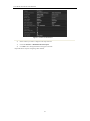
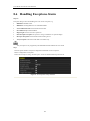
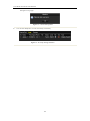
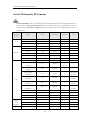
Enter Exception interface of System Configuration and handle various exceptions.
Menu> Configuration> Exceptions
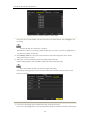
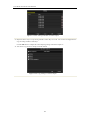
Please refer to Chapter Setting Alarm Response Actions for detailed alarm response actions.
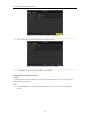
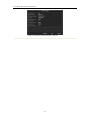
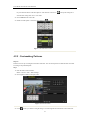
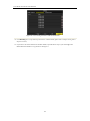
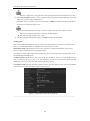
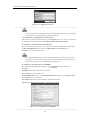
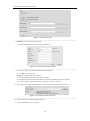
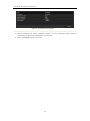
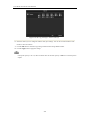
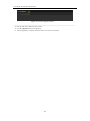
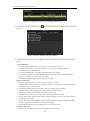
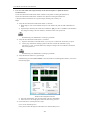
Figure 8. 15 Exceptions Setup Interface
142