1
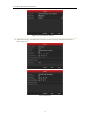
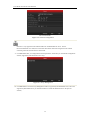
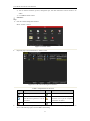
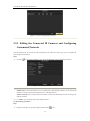
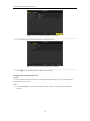
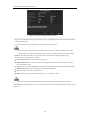
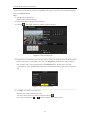
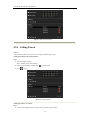
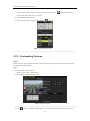
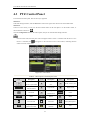
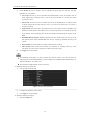
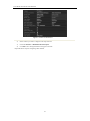
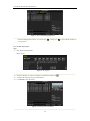
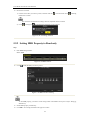
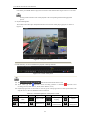
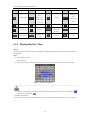
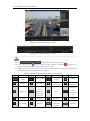
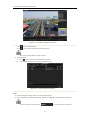
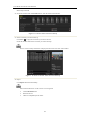
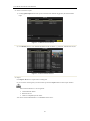
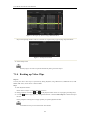
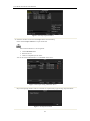
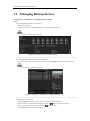
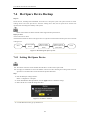
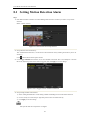
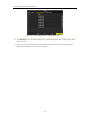
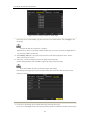
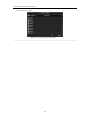
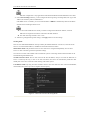
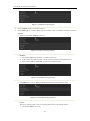
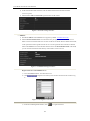
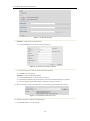
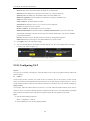
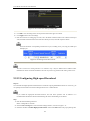
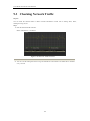
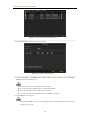
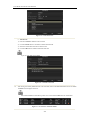
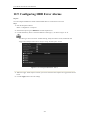
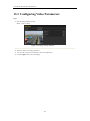
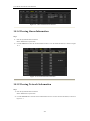
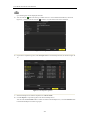
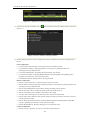
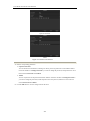
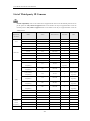
User Manual of Network Video Recorder 1) Select Record tab page to configure. You can configure the stream type, the resolution, and other parameters on your demand. • Pre-record: The time you set to record before the scheduled time or event. For example, when an alarm triggered the recording at 10:00, if you set the pre-record time as 5 seconds, the camera records it at 9:59:55. • Post-record: The time you set to record after the event or the scheduled time. For example, when an alarm triggered the recording ends at 11:00, if you set the post-record time as 5 seconds, it records till 11:00:05. • Expired Time: The expired time is the longest time for a record file to be kept in the HDD, if the deadline is reached, the file will be deleted. You can set the expired time to 0, and then the file will not be deleted. The actual keeping time for the file should be determined by the capacity of the HDD. • Redundant Record/ Capture: Enabling redundant record or capture means you save the record and captured picture in the redundant HDD. See Chapter Configuring Redundant Recording and Capture. • Record Audio: Check the checkbox to enable or disable audio recording. • Video Stream: Main stream and sub-stream are selectable for recording. When you select sub-stream, you can record for a longer time with the same storage space. 2) Click Apply to save the settings. The redundant record/capture is to decide whether you want the camera to save the record files or captured pictures in the redundant HDD. You must configure the redundant HDD in HDD settings. For detailed information, see Chapter 12.4.2. The parameters of Main Stream (Event) are read-only. 3. Parameters Settings for Sub-stream 1) Enter the Sub-stream tab page. Figure 5. 4 Sub-stream Parameters 2) Configure the parameters of the camera. 3) Click Apply to save the settings. 4. Parameters Settings for Capture 1) Select the Capture tab. 66