1
FAX Operation (Advanced)
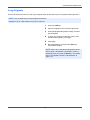
Long Originals
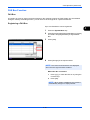
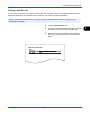
Use the document processor to scan long originals (originals that are longer in the paper feeding direction).
NOTE: Only a single side of a long original can be sent.
Originals of up to 1,600 mm/63" long can be scanned.
1
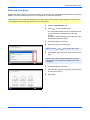
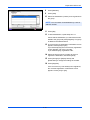
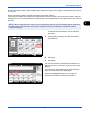
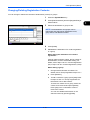
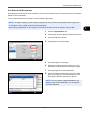
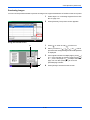
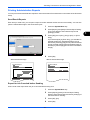
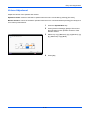
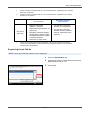
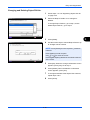
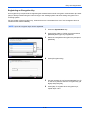
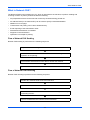
Press the FAX key.
2
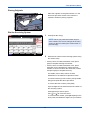
Place the originals in the document processor.
3
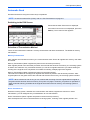
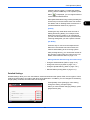
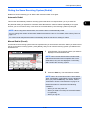
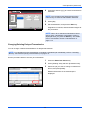
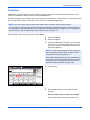
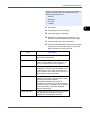
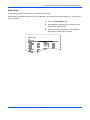
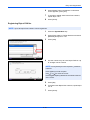
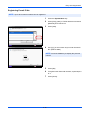
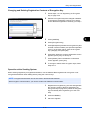
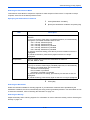
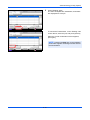
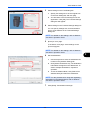
Press [Original/Sending Data Format], and then
[Long Original].
4
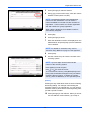
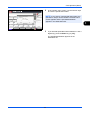
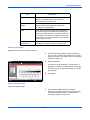
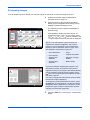
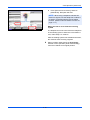
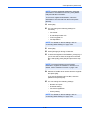
To scan long originals, press [On], and to scan
standard size originals, press [Off].
5
Press [OK].
6
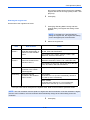
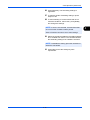
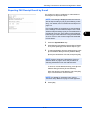
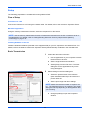
Set the destination, and press the Start key.
Transmission begins.
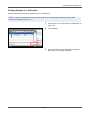
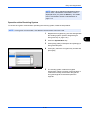
NOTE: When On is selected in Destination Check
before Send, a destination confirmation screen is
displayed when you press the Start key. For details,
refer to Confirmation Screen of Destinations on
page 5-12.
4-2