1
Operation Manual
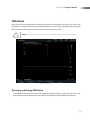
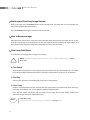
Starting and Finishing a Biopsy
NOTE: Make sure to adjust the biopsy guideline before using the biopsy feature.
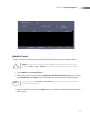
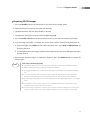
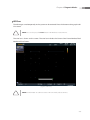
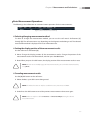
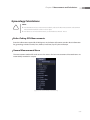
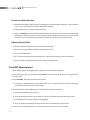
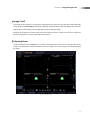
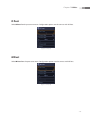
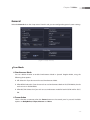
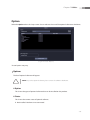
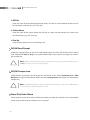
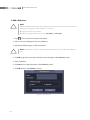
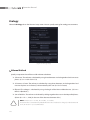
1. Press the soft menu’s dial-button [1] Biopsy On/Off. A warning message will appear.
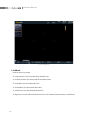
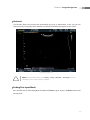
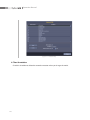
2. Click OK and the biopsy guideline will appear on the screen.
XX
If the guideline shown on the screen is not correct, press the soft menu’s dial-button [2] to
change it.
3. Insert a needle along the guideline. And then perform the biopsy as desired.
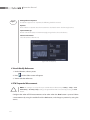
4. When you have finished the biopsy, press the soft menu’s dial-button [1] Biopsy On/Off again. The
biopsy is complete.
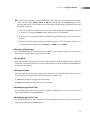
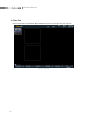
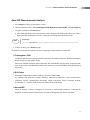
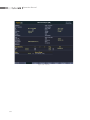
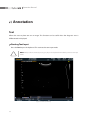
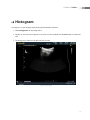
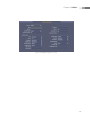
[Figure 7.3 Biopsy]
7-6