1
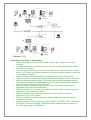
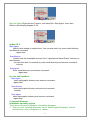
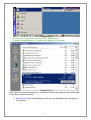
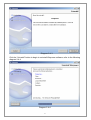
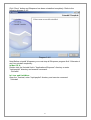
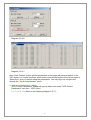
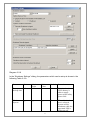
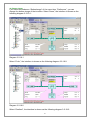
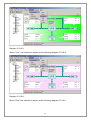
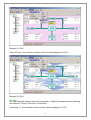
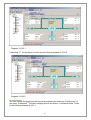
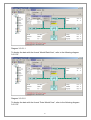
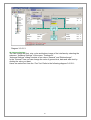
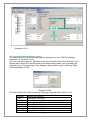
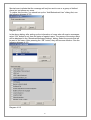
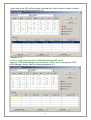
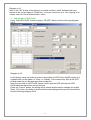
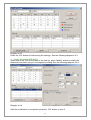
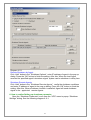
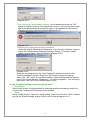
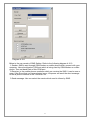
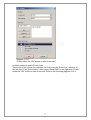
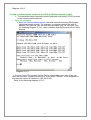
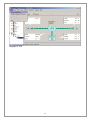
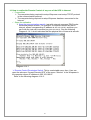
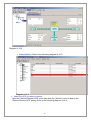
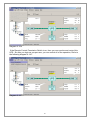
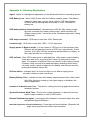
Diagram 3-2-23
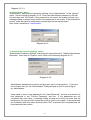
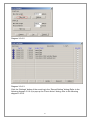
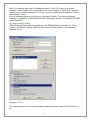
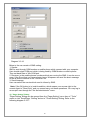
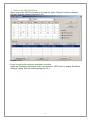
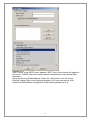
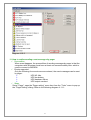
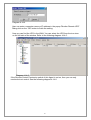
24) "Communication Port Settings" Dialog
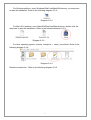
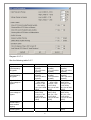
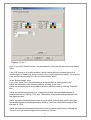
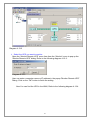
"Communication Port Settings" dialog can be opened from the "COM Port Setting"
menu item of "System" menu.
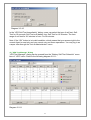
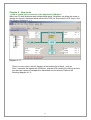
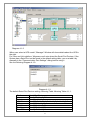
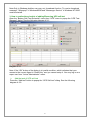
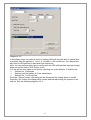
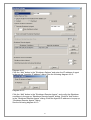
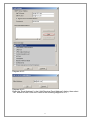
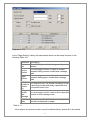
For Linux and Unix platform, Winpower can't auto detect the Serial Port Devices. If the
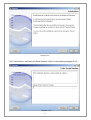
System has a Serial Port not be found in the default setting table, you must add it by
manually in the "Communication Port Settings" dialog before using it. following Table
following diagram 3-3-24:
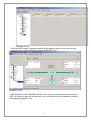
Diagram 3-2-24
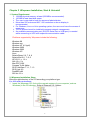
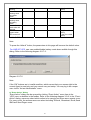
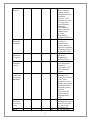
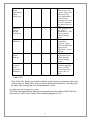
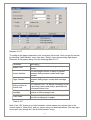
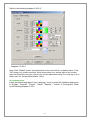
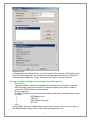
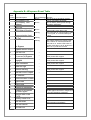
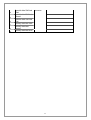
The default Serial Port Devices setting: following Table following Table 3-3-23:
Platform
Linux
Solaris
HP-UX
AIX
UnixWare
Tru64
FreeBSD
Serial Port Devices
/dev/ttyS0 /dev/ttyS1.
/dev/ttya /dev/ttyb
/dev/tty0p0 /dev/tty1p0 /dev/tty0p1 /dev/tty0p2
/dev/tty0 /dev/tty1
/dev/tty1A /dev/tty2A
/dev/tty00 /dev/tty01
/dev/ttyd0 /dev/ttyd1
51