1
User Manual Javo Substrate mixer
manual operation
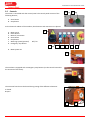
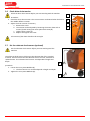
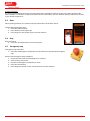
By switching and holding switch (C) to manual substrate is emitted through the funnel. The switch automatically
turns off when it’s not held so that the machine cannot continuously run. The machine operator will have to remain
at the switch to operate it.
6.3 Door
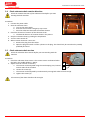
When opening the door, the machine stops by interruption of the door switch.
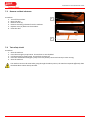
Startup after opening the door:
1. Close the substrate door.
2. Press the blue reset button (B).
3. Press the green start button (D) to start the machine.
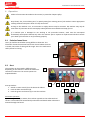
6.4 Stop
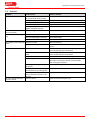
Stop procedure:
1. Press the red stop button on the control panel.
6.5
Emergency stop
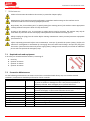
Emergency stop procedure:
1. Press the red emergency stop button on the machine to activate the emergency
stop.
Restart after emergency stop procedure:
1. Ensure that the cause of the emergency is resolved.
2. Close all doors and covers.
3. Pull the red emergency stop button to reset.
4. Press the reset button.
5. Press the green button on the control panel to start the machine.
Version 2015-1
14