1
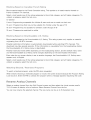
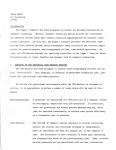
Fai ed Wireless
Wkeb
Connection
ss n etwo rk co n n ectio n fai_ ed_ o_" n o wkeb
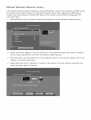
Go to Network
Unabb
Settings
and select the correct
to connect
to a wkebss
ss rout e r sebct
ed,
router.
_'outer
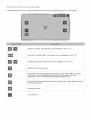
Check the following:
Check that the router is turned
2,
Enter the correct
_P auto
Perform
settin9
security
faibd
the following
on, and if it is, turn it off and on again,
key if required,
_
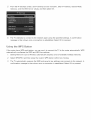
or set the IP address
manually
from mPSettings.
Make sure that the DHCP server is enabled on the router and unplug
2,
Enter the correct
3,
if this does not work, contact
U na bb
to co nnect
security
and plug the router
key if required.
your
Internet
to t he network
Service
Provider
for more information.
Provider
for more information.
:{}_
Check the following:
Check the JP Settings
settings.
2,
Enter the correct
security
key if required.
3,
if this does not work, contact
your
Internet
Service
back in.