1
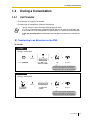
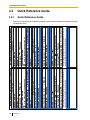
1.4 During a Conversation
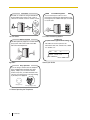
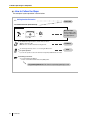
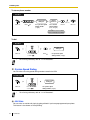
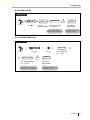
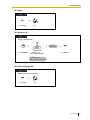
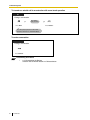
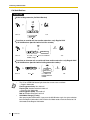
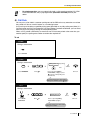
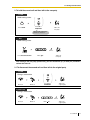
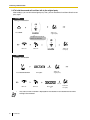
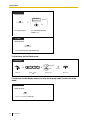
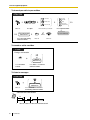
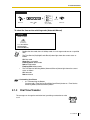
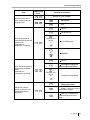
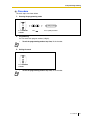
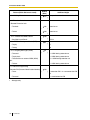
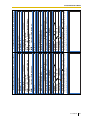
Call Park Retrieve
PT/PS
(Call Park)
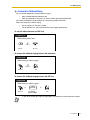
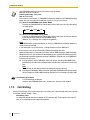
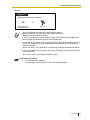
Press a flashing Call Park.
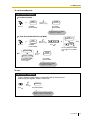
PT/SLT/PS
5
Off-hook.
Enter
2
52.
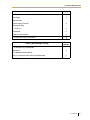
stored parking
zone no.
Dial stored parking
zone number (2 digits).
C.Tone
Talk.
•
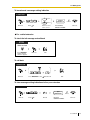
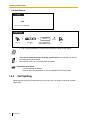
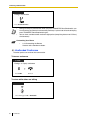
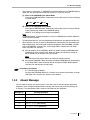
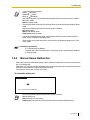
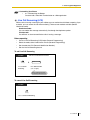
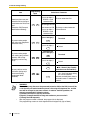
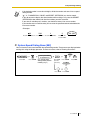
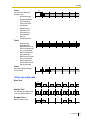
If a call is parked automatically, confirm the parking zone number on the display.
•
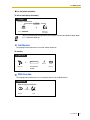
If you hear a reorder tone when retrieving a parked call, there is no held call. Confirm
the stored parking zone number.
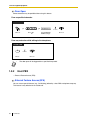
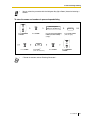
After you park a call, you can perform other operations.
•
Customizing Your Phone
•
3.1.3 Customizing the Buttons
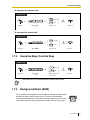
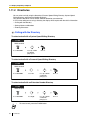
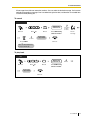
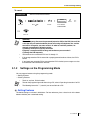
Create or edit a Call Park button or Call Park (Automatic Park Zone) button.
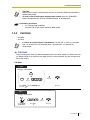
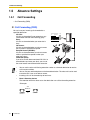
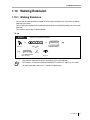
1.4.3
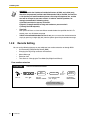
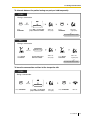
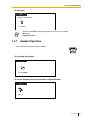
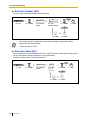
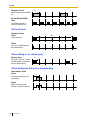
Call Splitting
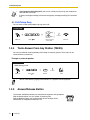
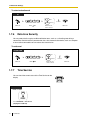
When talking to one party while the other party is on hold, you can swap the calls back and forth
(alternately).
48
User Manual