1
User’s Manual of WGSD / WGSW Layer 2+ Series
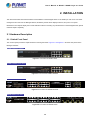
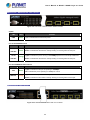
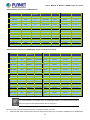
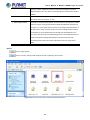
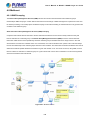
WGSW-24040R Front Panel
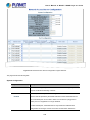
Figure 2-5 Front Panel of WGSW-24040R
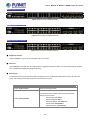
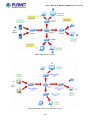
WGSW-24040HP Front Panel
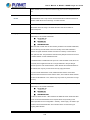
Figure 2-6 Front Panel of WGSW-24040HP
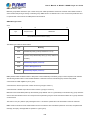
WGSW-24040HP4 Front Panel
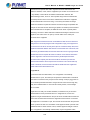
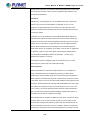
Figure 2-7 Front Panel of WGSW-24040HP4
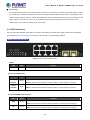
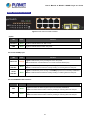
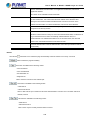
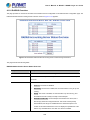
■ Gigabit TP interface
10/100/1000BASE-T copper, RJ45 twisted-pair: Up to 100 meters.
■ SFP slots
100/1000BASE-X mini-GBIC slot, SFP (Small Factor Pluggable) transceiver module: From 550 meters (Multi-mode fiber),
up to 10/30/50/70/120 kilometers (Single-mode fiber).
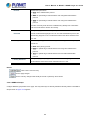
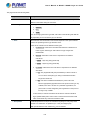
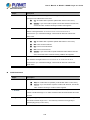
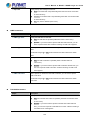
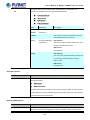
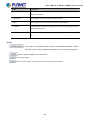
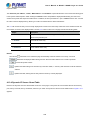
■ Reset button
On the left of the front panel, the reset button is designed to reboot the Managed Switch without turning off and on the
power. The following is the summary table of the reset button functions:
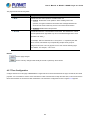
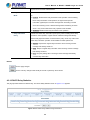
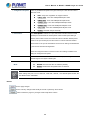
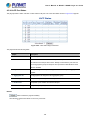
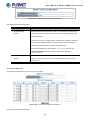
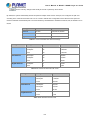
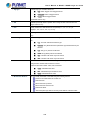
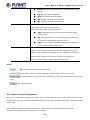
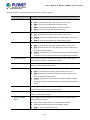
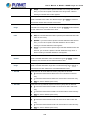
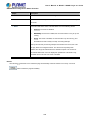
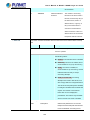
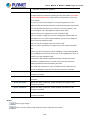
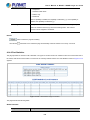
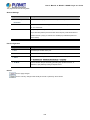
Reset Button Pressed and Released
Function
< 5 sec: System reboot
Reboot the Managed Switch
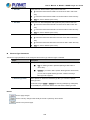
Reset the Managed Switch to Factory Default configuration.
The Managed Switch will then reboot and load the default
settings as shown below:
> 5 sec: Factory Default
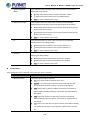
。
Default Username: admin
。
Default Password: admin
。
Default IP address: 192.168.0.100
。
Subnet mask: 255.255.255.0
。
Default Gateway: 192.168.0.254
29