1
GETTING STARTED WITH YOUR NAVIG8R GPS SYSTEM
2 Getting started with your Navig8r GPS System
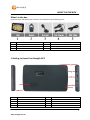
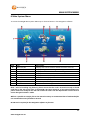
Mount and connect the Navig8r as described in this manual. Press the power button on the top of
the Navig8r. The Navigation software will run automatically.
The software is optimised for in-car or pedestrian use. There is no need to use a stylus. You can use
it easily by tapping the screen buttons and the map with your fingertips.
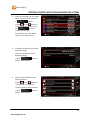
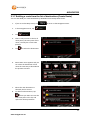
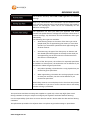
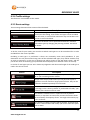
When using the navigation software for the first time, an initial setup process starts automatically.
Do as follows:
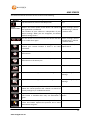
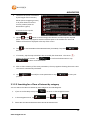
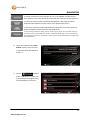
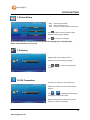
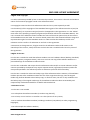
1.
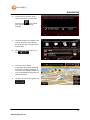
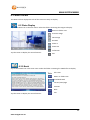
Select the written language of the
application interface.
Later you can change it in Regional
settings.
Tap the
, or the
button to
scroll through the selection. Tap
the
button to
confirm the selection.
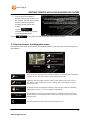
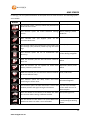
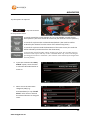
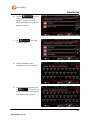
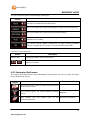
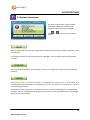
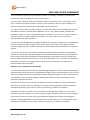
2.
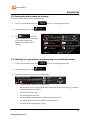
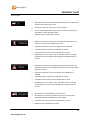
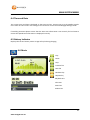
Read the End User Licence
Agreement.
Tap
to continue.
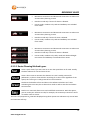
If you do not agree with the terms
and conditions please tap the
button to exit the
software and go to the main
hardware menu.
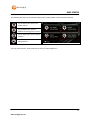
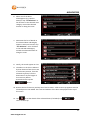
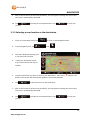
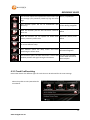
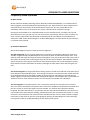
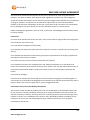
3.
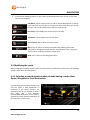
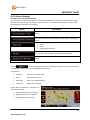
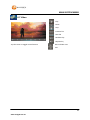
To continue with the configuration
wizard please tap the
button.
11
www.navig8r.com.au