1
EPSILON CLOCK MODEL EC3S
Spectracom Corporation
The ↑ key allows the user to go back to the upper menu.
6.5.4 Alarms Menu
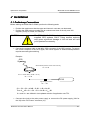
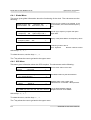
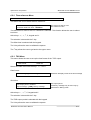
This allows the user to setup activating values of the phase and frequency alarms.
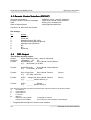
ALARM SETUP
.Thresholds
.Output frequencies
Select the under menu with the keys → ← and ↓.
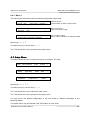
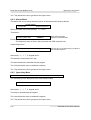
Thresholds :
Phase alarm limit
Frequency alarm limit
: 0000001µs
: 00100e-9
Phase alarm threshold
Frequency alarm threshold
Phase alarm at 0 let it in active.
The frequency alarm at 0 let it active just after the GPS reception loss.
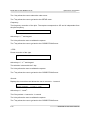
Output frequencies :
Out. freq. squelch on alarm : Yes [No]
The user may cut off the frequency outputs in
case of alarms squelch .
Active keys : ←, →, ↑, C, keypad and V.
The selection is done with the C key.
The alarm threshold is selected with the keypad.
The V key allows the user to validate the capture.
The ↑ key allows the user to go back to the upper menu.
6.5.5 1pps delay Menu
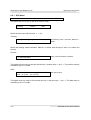
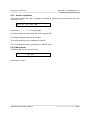
This menu may be chosen if the SLAVED mode is selected
The 1PPS delay is the delay due to the GPS antenna cable.
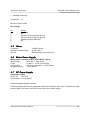
1PPS delay: 000000 ns
Active keys : ←, →, ↑, C, keypad and V.
The delay is selected with the keypad.
The V key allows the user to validate the capture.
The ↑ key allows the user to go back to the upper menu.
6-12
EPSILON CLOCK User’s Manual