1
ARS-2037 User’s Manual
Chapter 6
Troubleshooting
6.1 About LCD
After you power on, if there is no display on the LCD, check if the connection of
power cord is firm and the environment of power outlet is normal.
6.2 About Error Messages
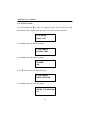
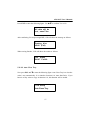
During Copy, Test, Compare and Verify, etc. if you press ESC to abort, an error
message will appear on LCD. Abortion may cause the copy controller to hang up,
therefore you have to power on again.
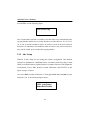
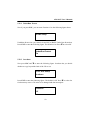
If reading fails, an error message will appear on LCD. Get a new source CD to try
again. If the copy controller hasn’t detected any device after powering on, an error
message will appear on LCD.
6.3 About CD-ROM/CD Writers
If a CD-ROM or a CD writer cannot read, confirm the format of the source CD and
check if it is damaged. Use any CD writer to read the source CD. If it works, the CDROM is probably defective or not compatible with the source CD.
6.4 About Buttons
If you press any of the four buttons on the panel, but there is no response, it is
perhaps that the button cannot function well. Inspect the jumper setting.
69