1
ARS-2037 User’s Manual
5.12.6 Burn-in
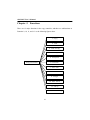
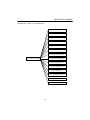
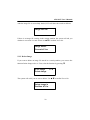
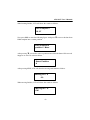
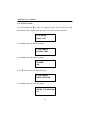
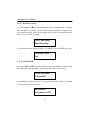
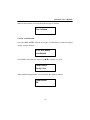
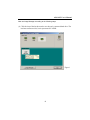
Now press ESC and ▼ to enter the following figure. Burn-in is to simulate the
copying progress many times. The time can be from 1 to 1000. After each cycle of
simulation, the CDs on the CD writers will eject automatically and recede for the
next bout of simulation.
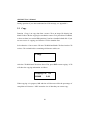
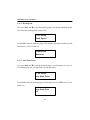
12-06. Adv Setup
Burn-in
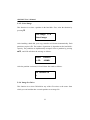
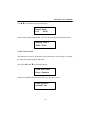
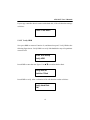
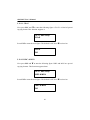
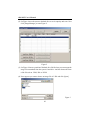
Press ENT to enter the next figure. Test is simply a simulation.
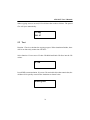
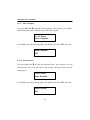
Burn-in
Test
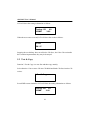
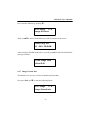
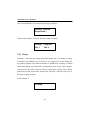
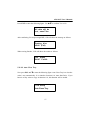
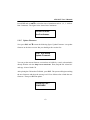
Press ENT and use ▲ ▼ to select the time of simulation such as 1, 2, 3...1000 or
Run Continuous. The figure below shows Run Continuous.
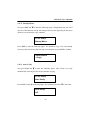
Sel burn-in num:
Run Continuous
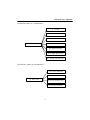
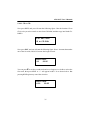
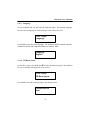
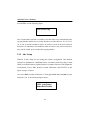
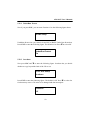
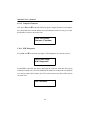
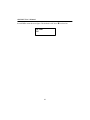
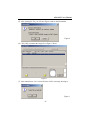
Press ESC, ENT, ▼ to select Erase & Copy as the following figure shows. Erase &
Copy is to erase and write repeatedly. It is only for CD rewriteable discs.
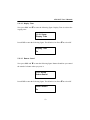
Burn-in
Erase&Copy
62