1
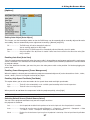
6. Setting the LAN Setting of Personal Computer
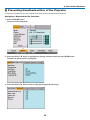
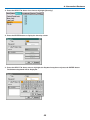
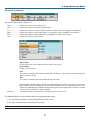
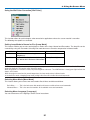
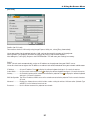
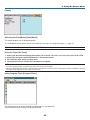
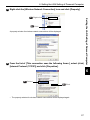
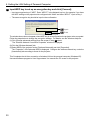
9 Right-click the [Wireless Network Connection] icon and click [View Available
Wireless Networks].
Right-click
9-2
Click
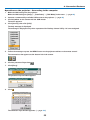
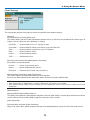
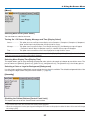
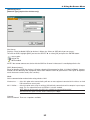
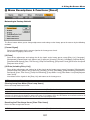
The “Wireless Network Connection” window is displayed.
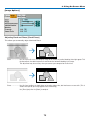
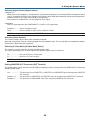
10 From the list, select SSID of the projector to be connected and click [Connect].
10-1 Click
Setting the LAN Setting of Personal Computer
9-1
10-2 Click
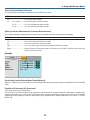
The “Wireless Network Connection” window is displayed.
6
29