1
4. Convenient Features
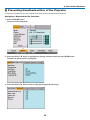
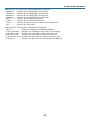
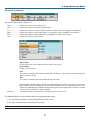
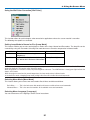
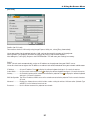
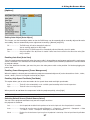
Source Select: This switches the input connector of the projector.
Computer1 ...... Switches to the COMPUTER 1 IN connector.
Computer2 ...... Switches to the COMPUTER 2 IN connector.
Computer3 ...... Switches to the COMPUTER 3 IN connector.
Component ..... Switches to the COMPONENT IN connectors.
Video ............... Switches to the VIDEO IN connector.
S-Video ........... Switches to the S-VIDEO IN connector.
Viewer ............. Switches to the data on the PC card or USB memory device.
LAN ................. Switches to a LAN signal.
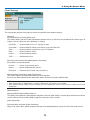
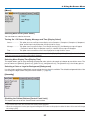
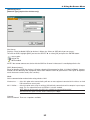
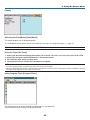
Projector Status: This displays the condition of the projector.
Refresh ....................... Updates the display of the following conditions.
Lamp Life Remaining ..... Displays the remaining life of the lamp as a percentage.
Lamp Hours Used ....... Displays how many hours the lamp has been used.
Filter Hours Used ........ Displays how many hours the filter has been used.
Projector Hours Used . Displays how many hours the projector has been used.
Error Status ................. Displays the status of errors occurring within the projector.
52