1
MyPBX SOHO V4/V5 Administrator's Guide
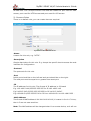
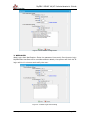
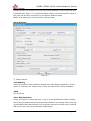
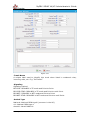
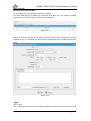
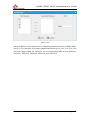
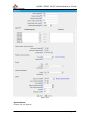
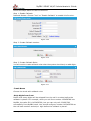
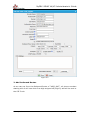
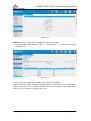
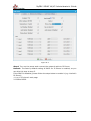
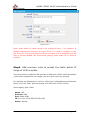
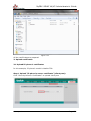
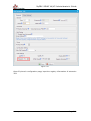
Step2. Add common rules to accept local network access.
Create a common rule to allow all the IP addresses of the local phones to access
MyPBX server. For example, the local IP range is 192.168.5.1-192.168.5.254,
the configuration could be as below:
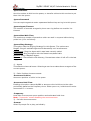
Name: LocalNetwork
Protocol: BOTH
Port: 1:65535
IP: 192.168.5.0/255.255.255.0, the format must be ―IP/net mask‖
Action: Accept
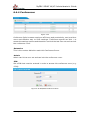
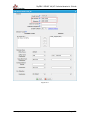
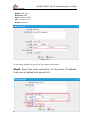
Figure H-2-2
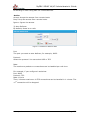
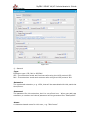
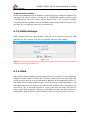
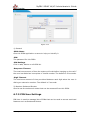
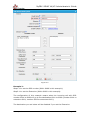
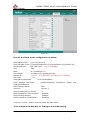
Step3. Add common rules to allow remote administrators,
extensions or devices.
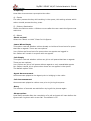
For example the public IP is 110.30.25.152; we can allow all ports for this
trusted IP.
Name: Remote
Protocol: BOTH
Port: 1:65535
IP: 110.30.25.152/255.255.255.255
Action: Accept
www.yeastar.com
Page 159