1
Multi-WAN Router
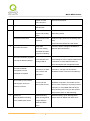
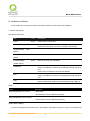
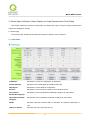
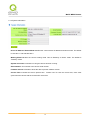
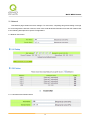
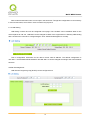
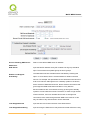
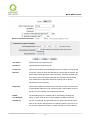
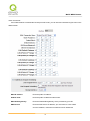
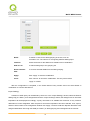
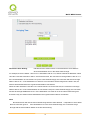
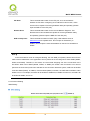
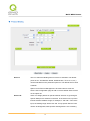
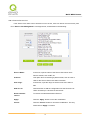
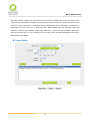
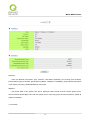
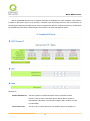
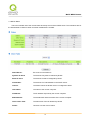
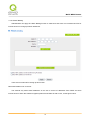
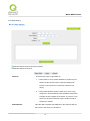
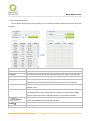
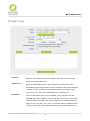
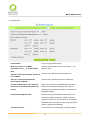
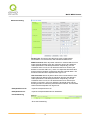
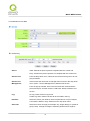
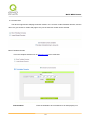
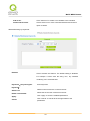
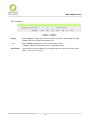
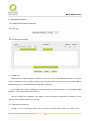
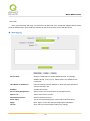
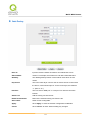
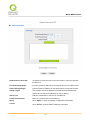
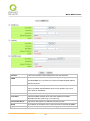
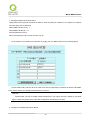
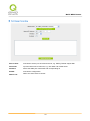
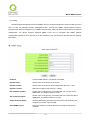
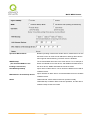
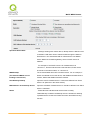
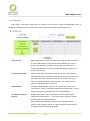
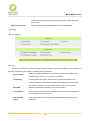
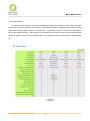
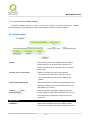
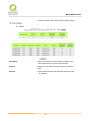
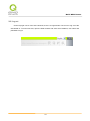
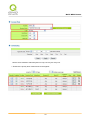
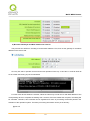
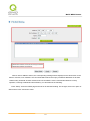
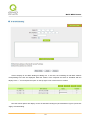
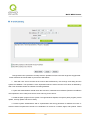
Enabled One to One NAT:
To activate or close the One-to-One NAT function. (Check to activate
the function).
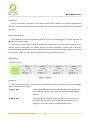
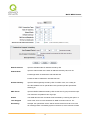
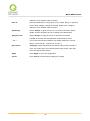
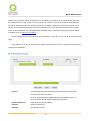
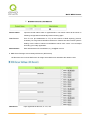
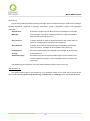
Private IP Range Begin:
Input the Private IP address for the Intranet One-to-One NAT function.
Public IP Range Begin:
Input the Public IP address for the Internet One-to-One NAT function.
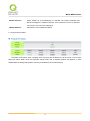
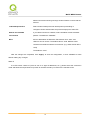
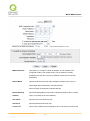
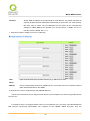
Range Length:
The numbers of final IP addresses of actual Internet IP addresses.
(Please do not include IP addresses in use by WANs.)
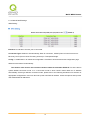
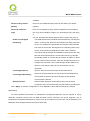
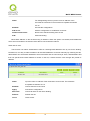
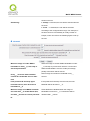
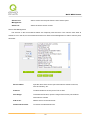
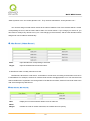
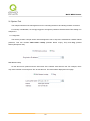
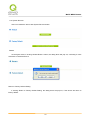
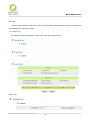
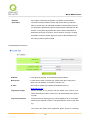
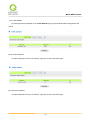
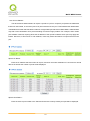
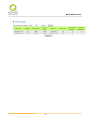
Add to List:
Add this configuration to the One-to-One NAT list.
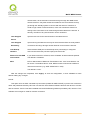
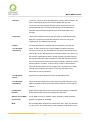
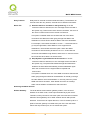
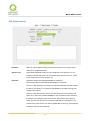
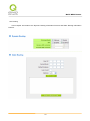
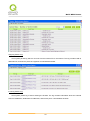
Delete Selected Item:
Remove a selected One-to-One NAT list.
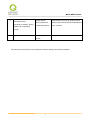
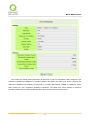
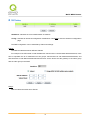
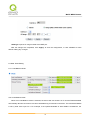
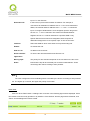
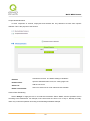
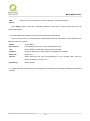
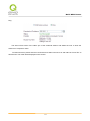
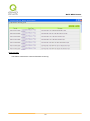
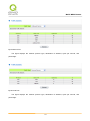
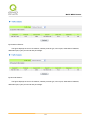
Apply:
Click “Apply” to save the network configuration modification.
Cancel:
Click “Cancel" to leave without making any changes.
115