1
Chapter 2 • Main Window Overview
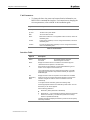
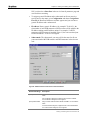
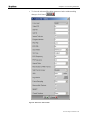
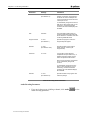
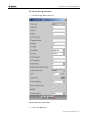
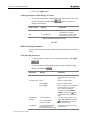
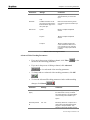
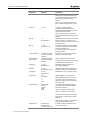
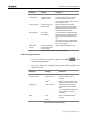
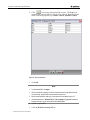
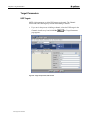
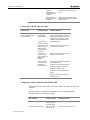
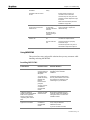
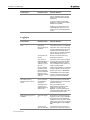
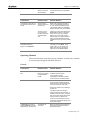
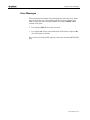
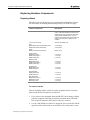
3. Enter the desired parameter and click Apply
parameter is changed.
; the desired
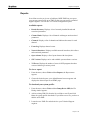
4. If you change a network interface's IP address or the subnet mask, you
will be asked if you want to restart MGW x100. Restarting MGW x100 is
recommended but not required.
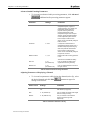
You can import network settings from different MGW x100 units.
Setting Network Interface Redundancy
If network interface redundancy is required, any NIC used for streaming can
be set as a backup so when the primary NIC fails, the assigned backup NIC
takes over.
To assign a backup network interface:
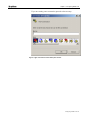
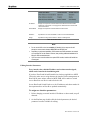
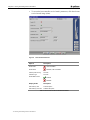
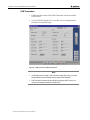
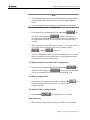
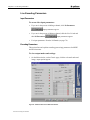
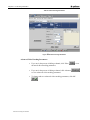
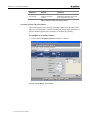
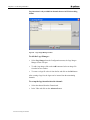
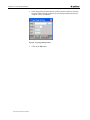
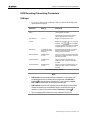
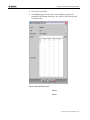
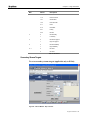
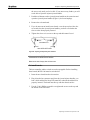
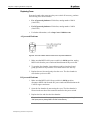
1. On the Platform page, select the appropriate interface to be backed up by
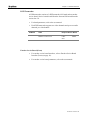
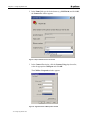
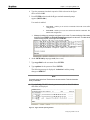
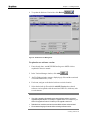
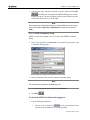
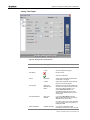
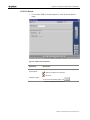
clicking the Standalone button in the Redundancy Mode column. The Set
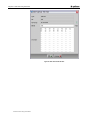
Redundancy I/F… window is displayed.
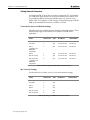
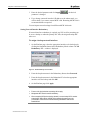
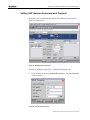
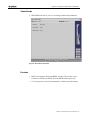
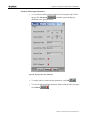
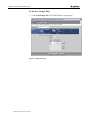
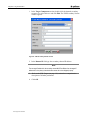
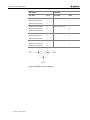
Figure 17 :Set Redundancy for I/F window
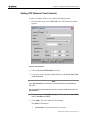
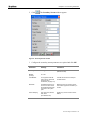
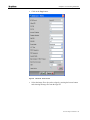
2. From the drop-down menu in the Redundancy Status select Protected.
3. From the drop-down menu in the Redundant I/F select the appropriate
interface to be the backup and click OK.
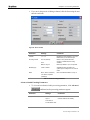
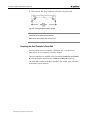
4. On the Platform page click Apply.
Note
66 Main Window Overview
y
Ensure to click Apply otherwise new settings will not apply.
y
Management NIC cannot be used for redundancy.
y
When a streaming NIC (that has playing channels) is set as a backup NIC for another
streaming NIC, these playing channels will be automatically passed over to the
protected NIC. Ensure that the combined streaming bandwidth is within the NIC
bandwidth limit.