1
Section 3 - Configuration
Configuration
This section will show you how to configure your new D-Link wireless adapter using the D-Link Utility as well as the Windows® XP
Zero Configuration Utility.
D-Link Configuration Utility
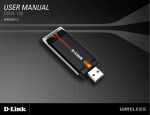
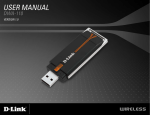
The D-Link WUA-2340 uses the Configuration Utility as the management software. The utility provides the user an
easy interface to change any settings related to the wireless adapter. After you have completed the installation of the
WUA-2340 and whenever you start the computer, the Configuration Utility starts automatically and the system tray icon is loaded in
the toolbar. Clicking on the utility icon
will start the Configuration Utility.
If you are using Windows® XP (SP2), please skip to page 22.
D-Link WUA-2340 User Manual
15