1
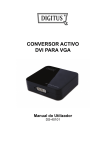
VGA to DVI Converter
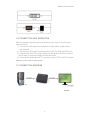
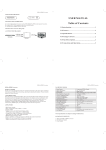
5.0 CONNECTION AND OPERATION
Before installation, please make sure all devices you wish to connect have
been turned off.
1) Connect the VGA video from computer to this product. (Input cables
are optional)
2) Connect the DVI output from this product to the TV which has DVI input.
3) Insert the DC side of 5v power supply into this product and then connect
the AC side of the power supply into the wall outlet.
4) Power on the computer and TV, choose the input of TV to its DVI channel.
Attention: Insert / Extract cable gently.
5.1 CONNECTION DIAGRAM
P/N1018
4