1
03 Using the menu
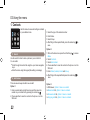
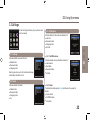
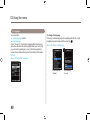
1. Contacts
8VHWKLVPHQXWRVDYHDQGFRQ¿JXUHFRQWDFWV
in your address book.
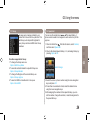
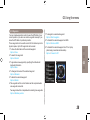
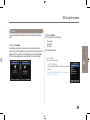
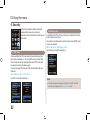
1.1 Search
Use the search function to look up names in your contact list.
You can either
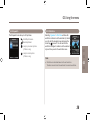
Ɣ Scroll through the contact list using the up or down navigation
keys .
Ɣ Enter the name using the keypad (like writing a message).
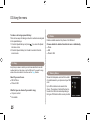
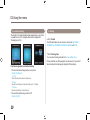
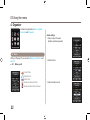
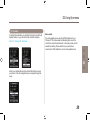
1.2 Add Contact
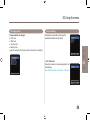
There are several ways to add a new contact:
Option 1
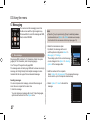
1.Enter a number while in idle the screen and then save the
number in your contact list by pressing the center key .
2.Choose whether to save the contact on the phone or on the
SIM card.
23
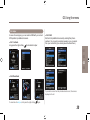
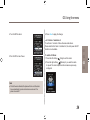
3.Select the type of the entered number.
4.Enter Name.
5.Select Group.
$IWHU¿OOLQJDOOWKHUHTXLUHG¿HOGVSUHVVWKHFHQWHUNH\
save.
to
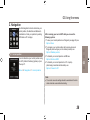
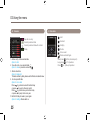
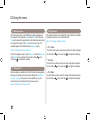
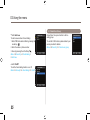
Option 2
to access
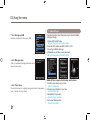
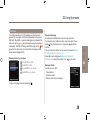
1.While in the idle screen press the left soft key
Menu.
2. Select Contacts.
3. Select Add contact.
4.Choose whether to save the contact on the phone or on the
SIM card.
5. Enter NameNumberE-mail and Group.
$IWHU¿OOLQJDOOWKHUHTXLUHG¿HOGVSUHVVWKHFHQWHUNH\ to
save.
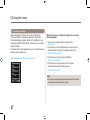
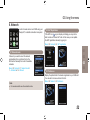
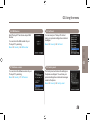
Option 3
,Q606YLHZHUOption > Save as a contact
In Missed callsOLVWOption > Save to contacts
In Received callsOLVWOption > Save to contacts
In Outgoing callsOLVWOption > Save to contacts