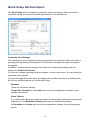
1
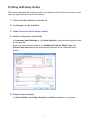
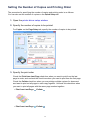
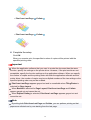
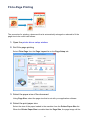
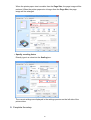
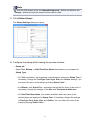
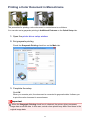
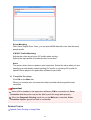
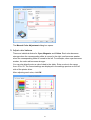
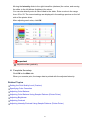
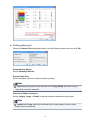
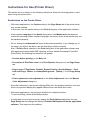
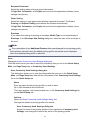
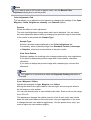
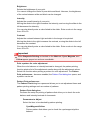
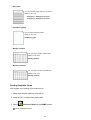
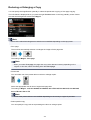
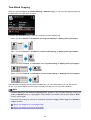
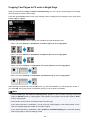
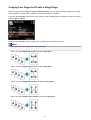
• Print from Last Page:
/Collate:
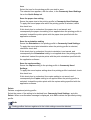
• Print from Last Page:
/Collate:
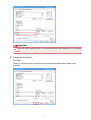
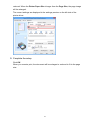
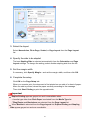
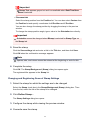
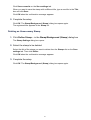
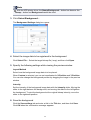
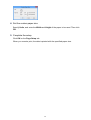
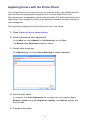
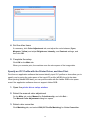
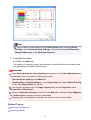
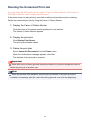
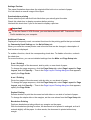
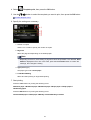
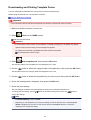
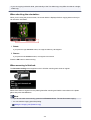
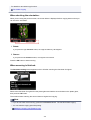
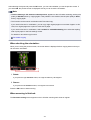
4. Complete the setup
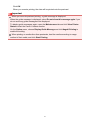
Click OK.
When you execute print, the specified number of copies will be printed with the
specified printing order.
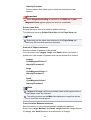
Important
When the application software that you used to create the document has the same
function, specify the settings on the printer driver. However, if the print results are not
acceptable, specify the function settings on the application software. When you specify
the number of copies and the printing order with both the application software and this
printer driver, the number of copies may be multiplied numbers of the two settings or the
specified printing order may not be enabled.
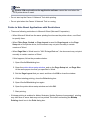
Print from Last Page appears grayed out and is unavailable when Tiling/Poster is
selected for Page Layout.
When Booklet is selected for Page Layout, Print from Last Page and Collate
appear grayed out and cannot be set.
When Duplex Printing is selected, Print from Last Page appears grayed out and
cannot be set.
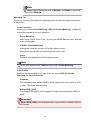
Note
By setting both Print from Last Page and Collate, you can perform printing so that
papers are collated one by one starting from the last page.
16