1
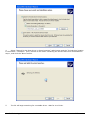
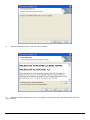
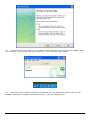
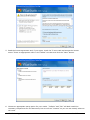
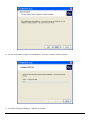
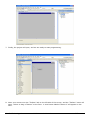
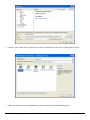
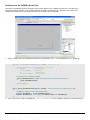
9. When the installation is complete, the above screen will appear. No further action is necessary, but
if you wish, you can download and install MSDN documentation and other updates from this screen.
Make your choice or click the “Finish” button.
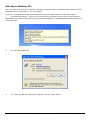
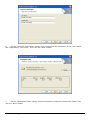
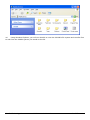
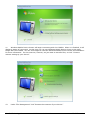
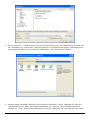
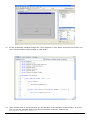
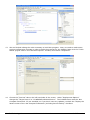
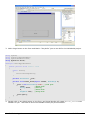
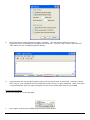
10. The above screen will then appear. From this screen you can modify your Visual Studio installation,
install MSDN documentation, and/or check for updates. At this time it is recommended that you
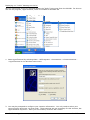
update your computer by clicking the “Check for Service Releases” link, or by using Windows
Update. Make your choice or click the “Exit” button.
Comfile Technology Inc.
CUWIN – User's Manual
31 of 72