1
10.
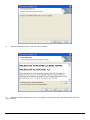
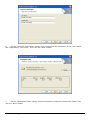
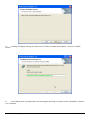
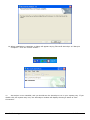
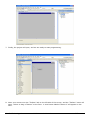
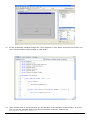
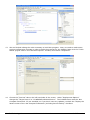
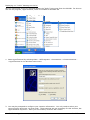
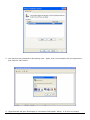
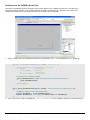
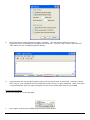
Finally, adjust the project properties as we did in the previous exercises.
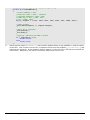
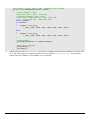
How the Code Works:
1.
When the form loads, the form's Load event fires, calling the Form1_Load event handler. This
event handler configures the CUWIN's serial port, attaches the _port_DataReceived event
handler, opens the port, and initializes the “LED State” label with the current state of the LED:
“On” or “Off”.
2.
When the “Toggle” button is clicked, the button's Click event fires, calling the button1_Click
event handler. This event handler reads the state of the LED, reverses the LED's state, confirms
the new state of the LED, and updates the “LED State” label with the LED's new state.
3.
The ReadLEDStatus function sends a Modbus frame to the CUBLOC asking for the value in
register 0x0000 (the value of port 0), then waits for a response from the CUBLOC.
4.
The ChangeLEDStatus function sends a Modbus frame to either set the value in register 0x0000
to 1 (turn on the LED), or set the value in register 0x0000 to 0 (turn off the LED) depending on
the value of the turnOn parameter. NOTE: The Modbus protocol requires us to send a value of
0x00FF to change register 0x0000's value to 1.
5.
The _port_DataReceived event handler receives a Modbus response frame from the CUBLOC,
stores the frame in the _response buffer, then notifies the form that the response has been
received.
6.
Finally when the form closes, the form's Close event fires, calling the Form1_Closing event
handler. This event handler closes the CUWIN's serial port.
Comfile Technology Inc.
CUWIN – User's Manual
71 of 72