1
Export to Exchange Server 2007
Stellar GroupWise to Exchange Migrator supports exporting GroupWise mailboxes to new Exchange storage group or
existing storage group.
To export Mailboxes to Exchange Server
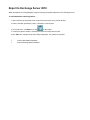
1. After connecting to GroupWise server, mailbox items are shown in the preview window.
2. Check a mail item (mailbox(es), folder, or subfolder) in the left pane.
3. On the File menu, click Export. Or, click
on the toolbar.
4. In the Export Options window, choose Export Data to Exchange Server option.
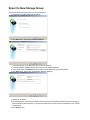
5. Click OK button. Storage Group option dialog is displayed. Two options are provided:
•
Export to New Storage Group
•
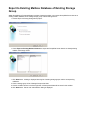
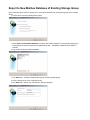
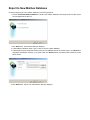
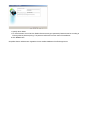
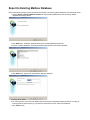
Export to Existing Storage Group. This option further provides two more options for mailboxes.
o Export to Existing Mailbox Database
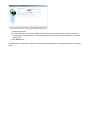
o Export to New Mailbox Database