1
Section 5 - Connecting to a Wireless Network
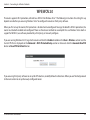
Windows® XP
Windows® XP users may use the built-in wireless utility (Zero Configuration Utility). The following instructions are for Service
Pack 2 users. If you are using another utility, please refer to the user manual of your wireless adapter for help with connecting
to a wireless network. Most utilities will have a “site survey” option similar to the Windows® XP utility as seen below.
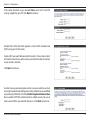
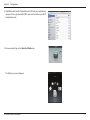
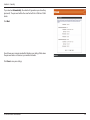
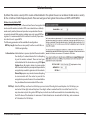
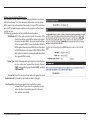
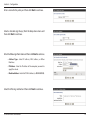
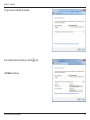
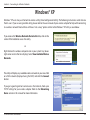
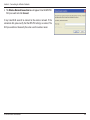
If you receive the Wireless Networks Detected bubble, click on the
center of the bubble to access the utility.
or
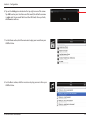
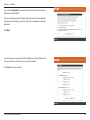
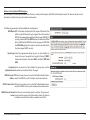
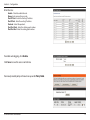
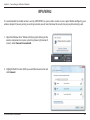
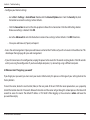
Right-click on the wireless computer icon in your system tray (lowerright corner next to the time display). Select View Available Wireless
Networks.
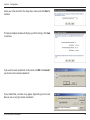
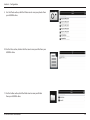
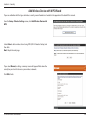
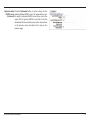
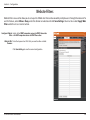
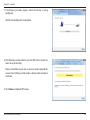
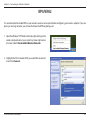
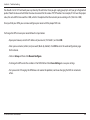
The utility will display any available wireless networks in your area. Click
on a Wi-Fi network (displayed using the SSID) and click the Connect
button.
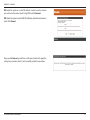
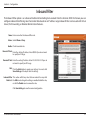
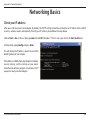
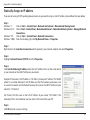
If you get a good signal but cannot access the Internet, check your
TCP/IP settings for your wireless adapter. Refer to the Networking
Basics section in this manual for more information.
D-Link DIR-860L User Manual
124