1
42
Invantive Composition User Manual
3.7.2 Certificate
If you make use of https, then you need to submit a certificate (see also http://www.iis.net/
learn/manage/configuring-security):
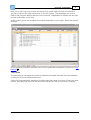
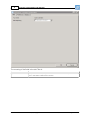
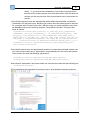
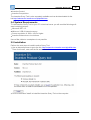
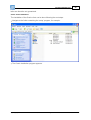
Start MMC with 'Run'.
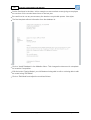
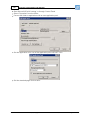
Go to the File menu and select 'Add/Remove Snap-in'.
Click on Certifcates and click on 'Add'.
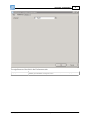
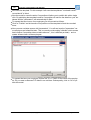
Select 'Computer Account' and click on 'Next'.
Select 'Local Computer' and click on 'Finish'.
Select 'OK'.
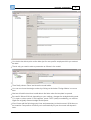
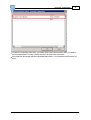
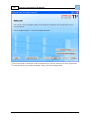
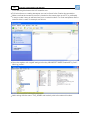
Click on 'Certificates (Local Computer)' in the middle part of the window.
Click on the right on 'Personal'.
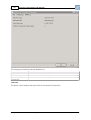
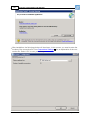
Select 'All tasks' and then 'Import'.
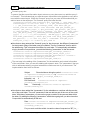
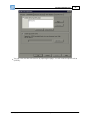
Set up the filter for 'Personal Information Exchange (*.pfx)'.
Select the .pfx bestand as Personal Certificate.
Enter the password.
If desired you select the check box 'Mark this key as exportable.'.
Allow automatic placement in the storage for the certificate based on the type.
Select 'Finish'.
Close the MMC.
It is not necessary to save the settings of MMC.
(C) Copyright 2004-2013 Invantive Software B.V., the Netherlands. All rights reserved.