1
82
User Reference
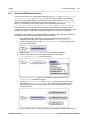
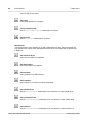
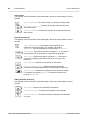
Toolbar Icons
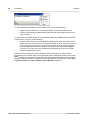
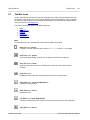
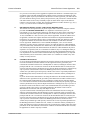
Adds a domain for a property.
Adds range
Adds a range specifier for a property.
Add equivalentProperty
Adds an equivalentProperty relationship to a property.
Add inverseOf
Adds an inverseOf relationship to a property.
Miscellaneous
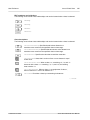
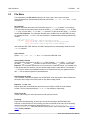
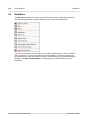
The Classes group of icons enables you to add a relationship to a class. These commands are
also available in the context menu that appears when the box of an eligible class is right-clicked
in Detail View.
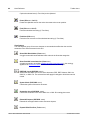
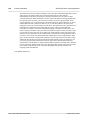
Adds resource object
Adds a resource object to a predicate.
Adds literal object
Adds a literal object to a predicate.
Adds predicate
Adds a predicate to an RDF resource.
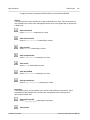
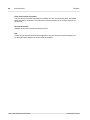
Adds restriction
Adds a restriction to a class or property relationship.
Adds allValuesFrom
Adds the allValuesFrom relationship to link a restriction to a class or data range.
Adds someValuesFrom
Adds the someValuesFrom relationship to link a restriction to a class or data range.
Adds hasValue
Adds the someValuesFrom relationship to link a restriction to a class instance or a
Altova SemanticWorks User Manual
© 2006 Altova GmbH